This function draws buffer polylines around a network of line, arc, and polyline segments at a specified buffer distance.
Keyboard Command: DrwNetBuf
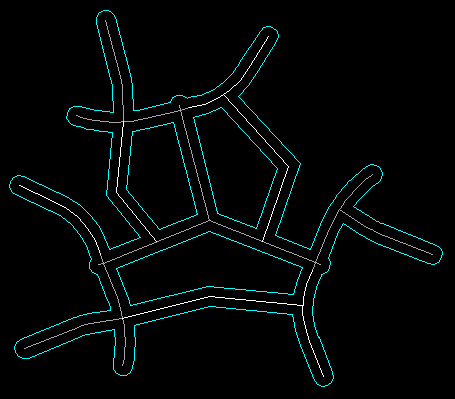
Examples include no-dig zones along pipe networks, rights-of-way from centerlines, mining pillar locations, etc. In the example below, the blue linework is the original and the red is the buffer polylines generated.
Procedure:
- Open the drawing containing the line network.
- Initiate the command.
- Select the LINE, ARC, and POLYLINE objects to buffer.
- Specify the buffer offset distance.