Vasco-R Triple
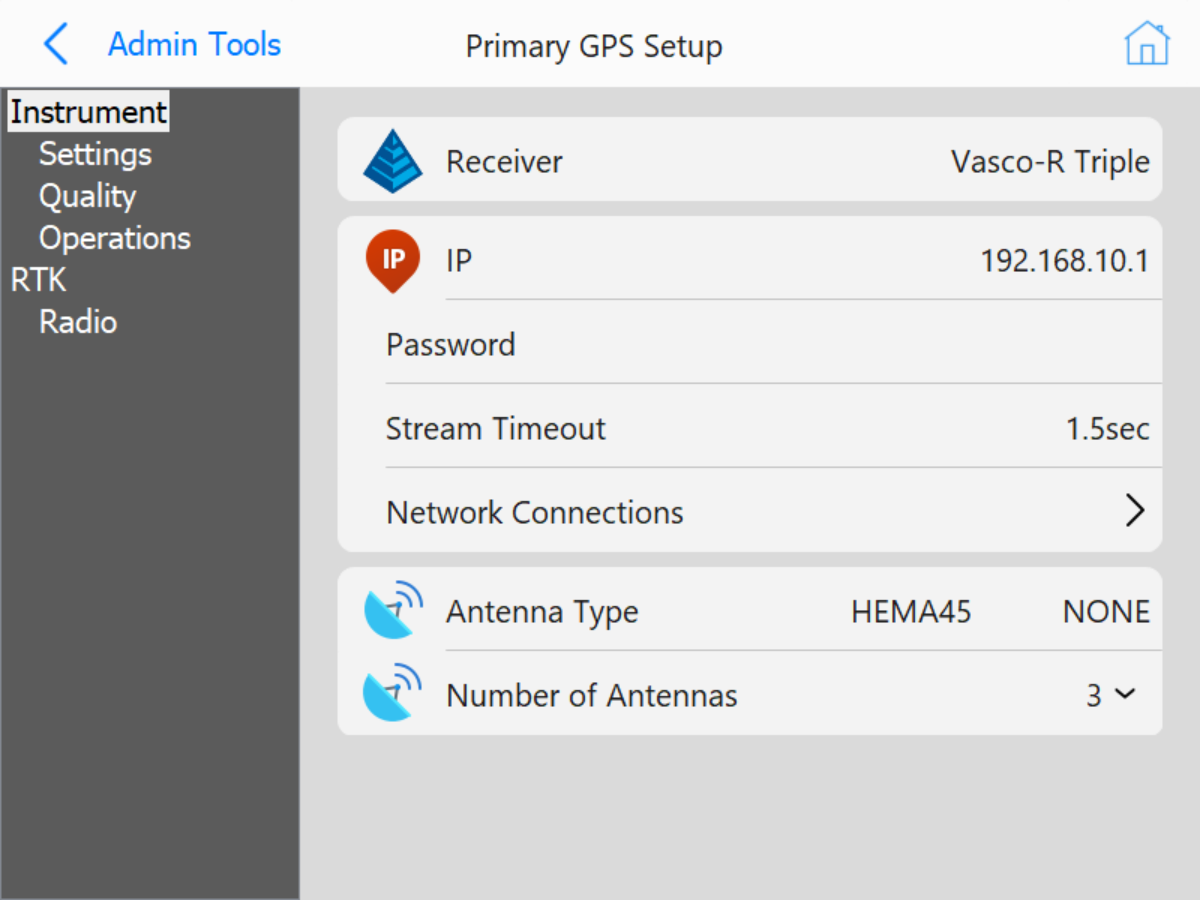 Vasco-R Instrument Settings
- IP: Choose the IP address for the Vasco-R. This address is usually 192.168.10.1
- Password: Enter the password to access the Vasco-R
- Stream Timeout: The
- Network Connection: Opens the windows network selection menu.
- Antenna Type: Select the manufacturer and model of the antennas used in the configuration.
- Number of Antennas: Choose the number of antennas in the configuration.