Admin Tools -> Configure Rover -> Instrument -> Quality
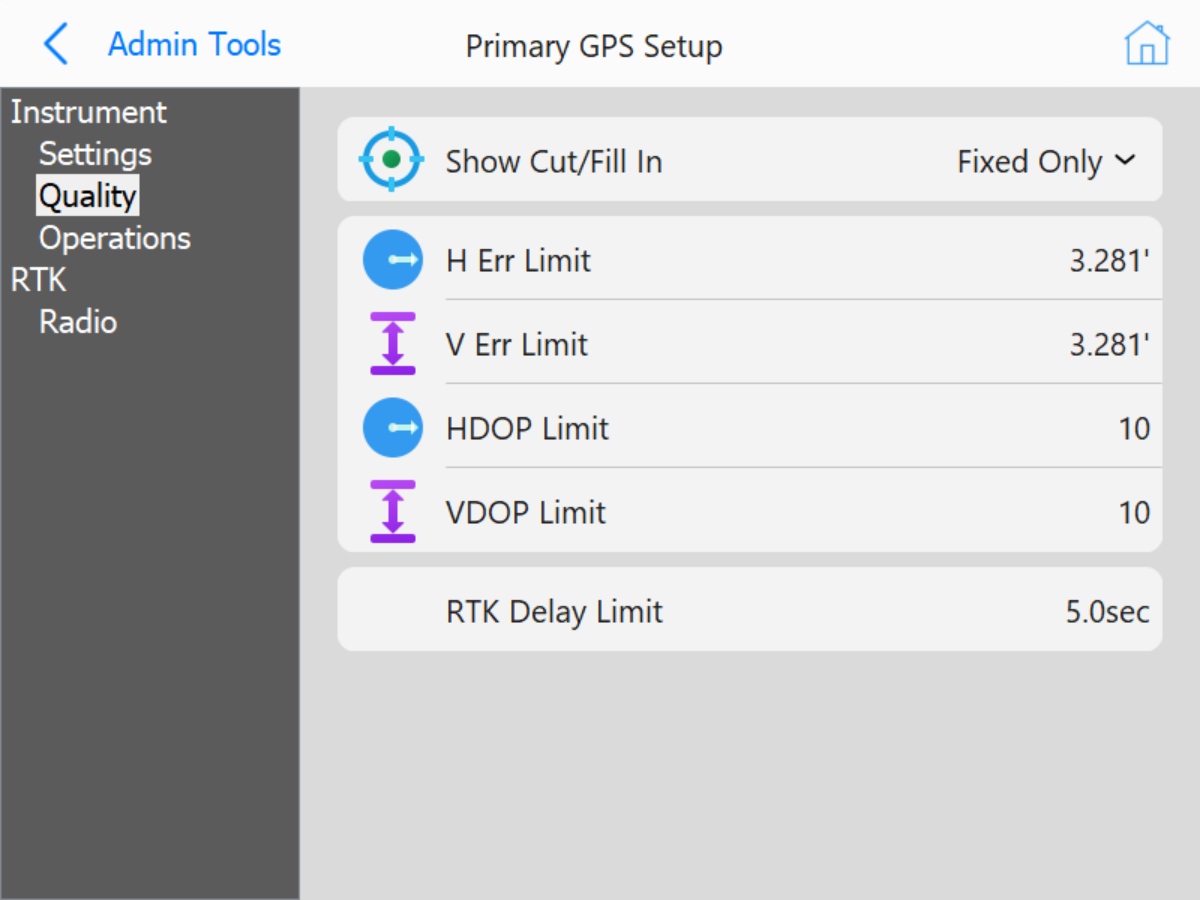 GPS Quality Settings
-
Show Cut/Fill In: Choose when to show the cut/fill value based on the current GPS quality.
- Fixed Only Show the Cut/Fill only when the GPS is fixed.
- Fixed And Float Show the Cut/Fill when the GPS is fixed or in float.
- Fixed, Float, and Autonomous Show the Cut/Fill when the GPS is fixed, in float, or autonomous.
- H Err Limit: Set the horizontal distance error allowed before the position quality is considered LOW.
- V Err Limit: Set the vertical distance error allowed before the position quality is considered LOW.
- HDOP Limit: The maximum horizontal dilution of precision before the position quality is considered LOW.
- VDOP Limit: The maximum vertical dilution of precision before the position quality is considered LOW.
- RTK Delay Limit: The maximum amount of delay in the RTK corrections before the position quality is considered LOW.