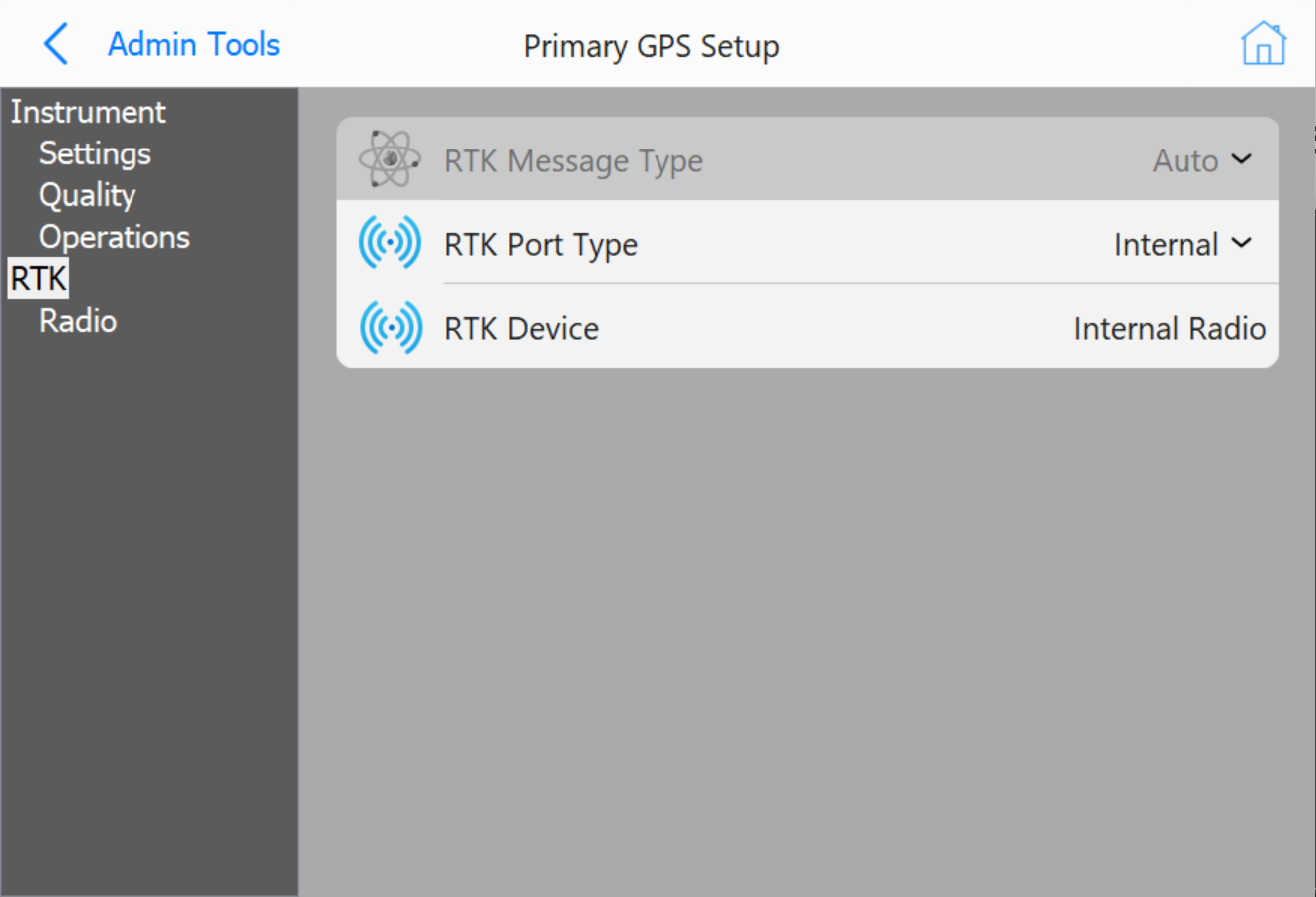
The following information will list two ways to connect to the local base station.
RTK using Vasco Internal UHF Radio
The Vasco has an Internal Satel UHF Radio. This is a situation in which the local base station has a UHF Radio that is transmitting the RTK corrections. The radio setting in the Vasco must match that of the local base station.
Enter the following Options:
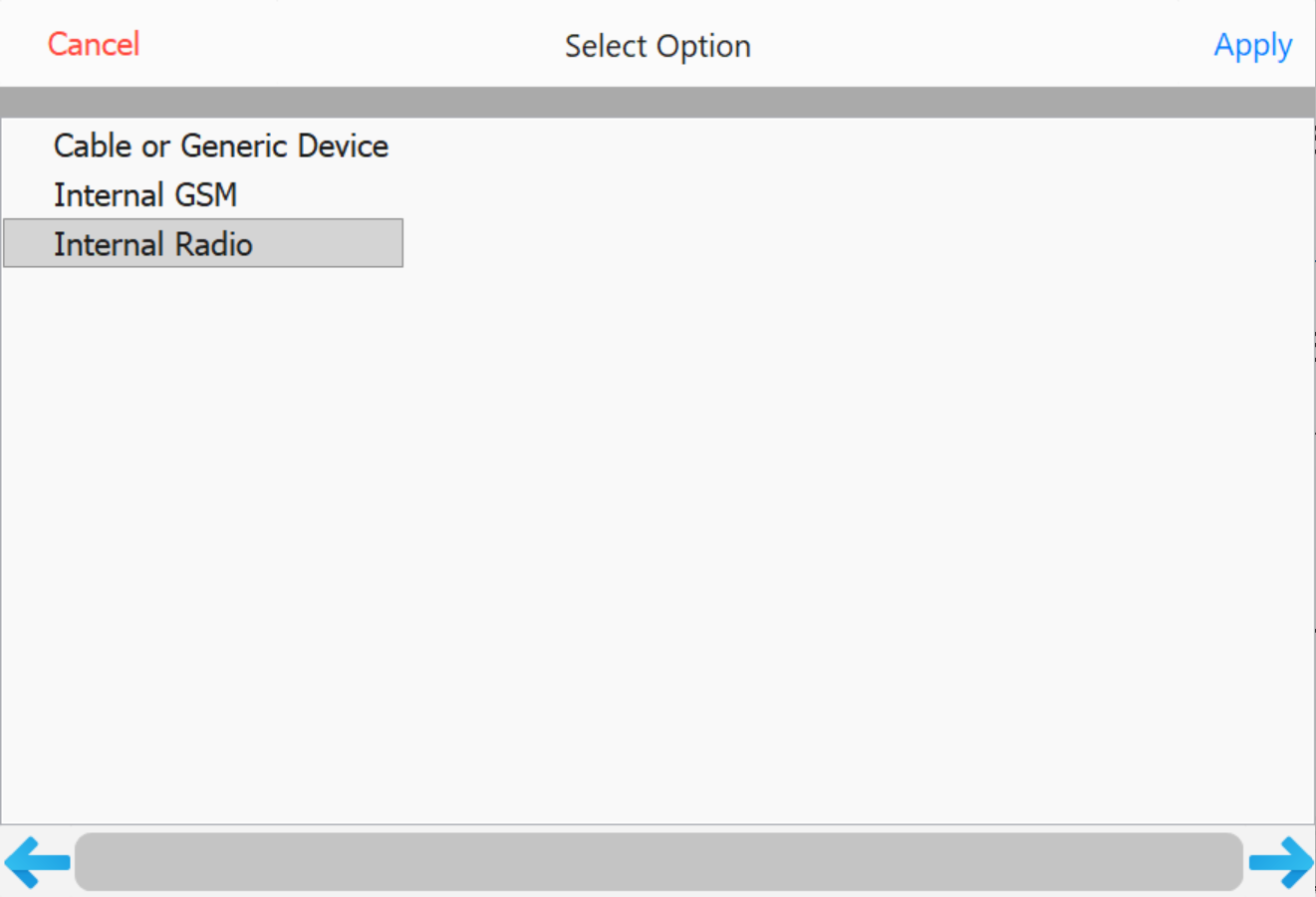
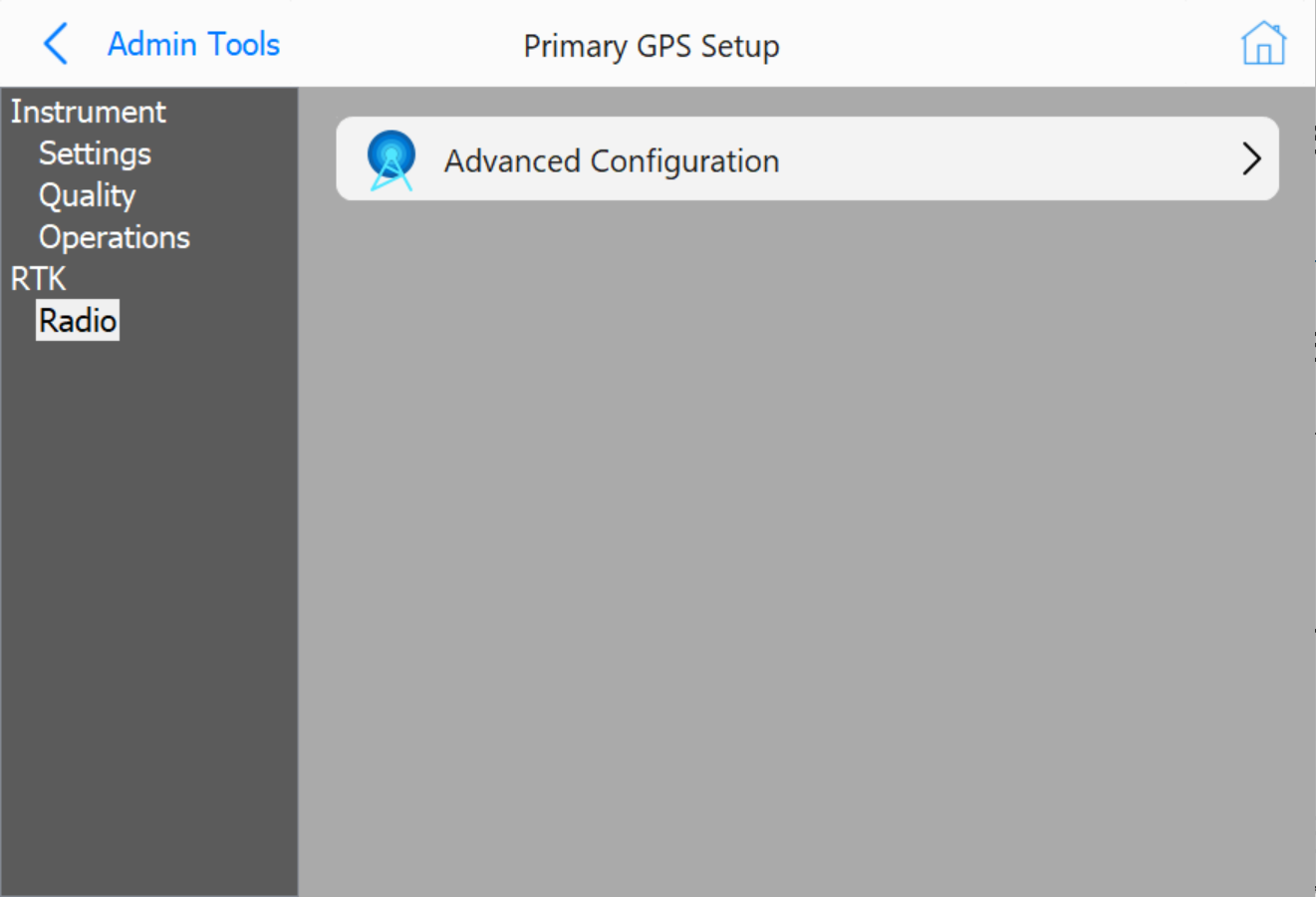
Grade will connect to the internal radio of the Vasco and retrieve the current settings. You will then change all radio settings to match that of the local base station.

Go to Tools → Show Monitor Screen to check the quality of the RTK.
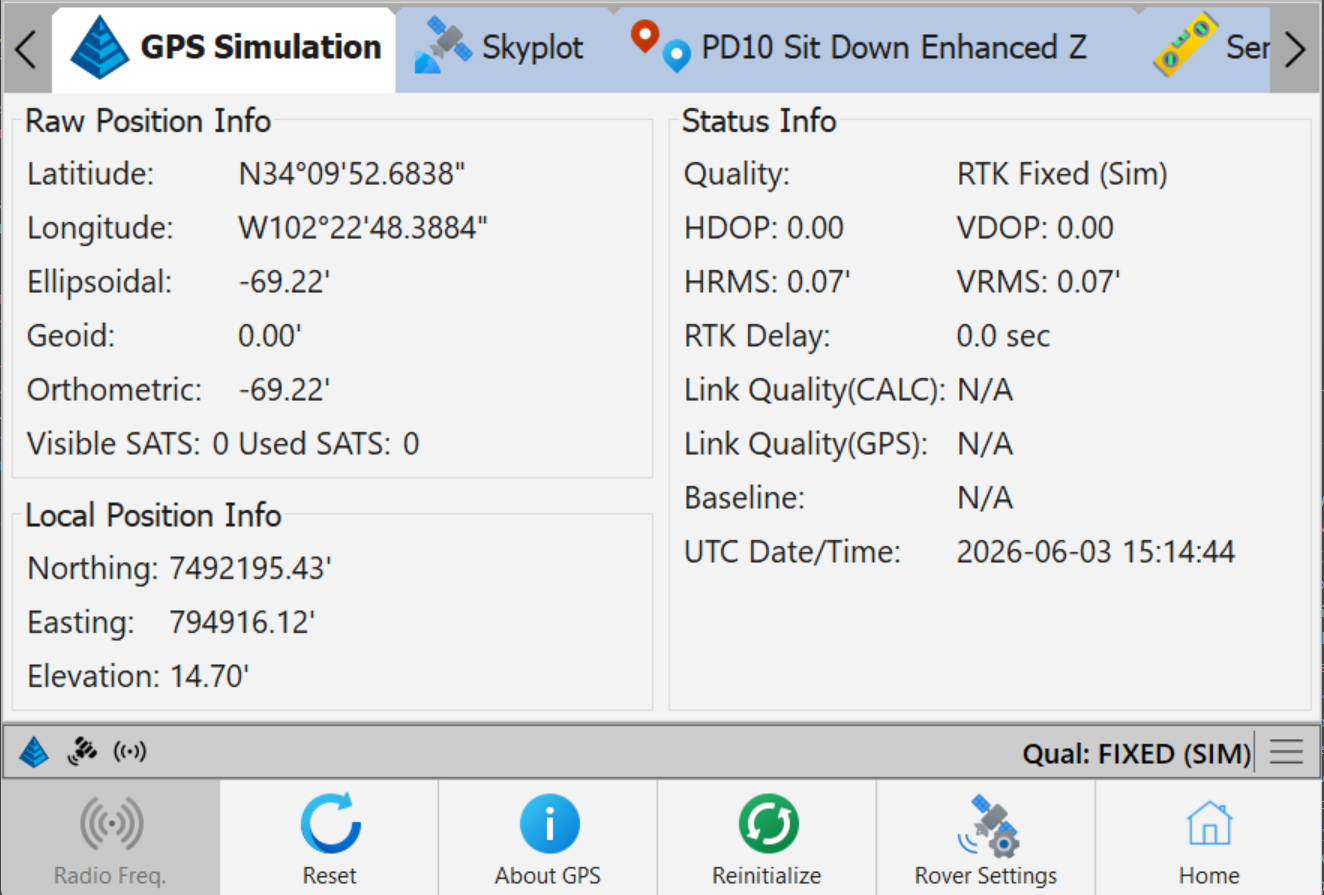
Note: RTK Fixed indicates that RTK has reached the highest quality and is receiving data.
If you don't get a Fixed solution, troubleshooting is necessary. Ensure all settings are correct.
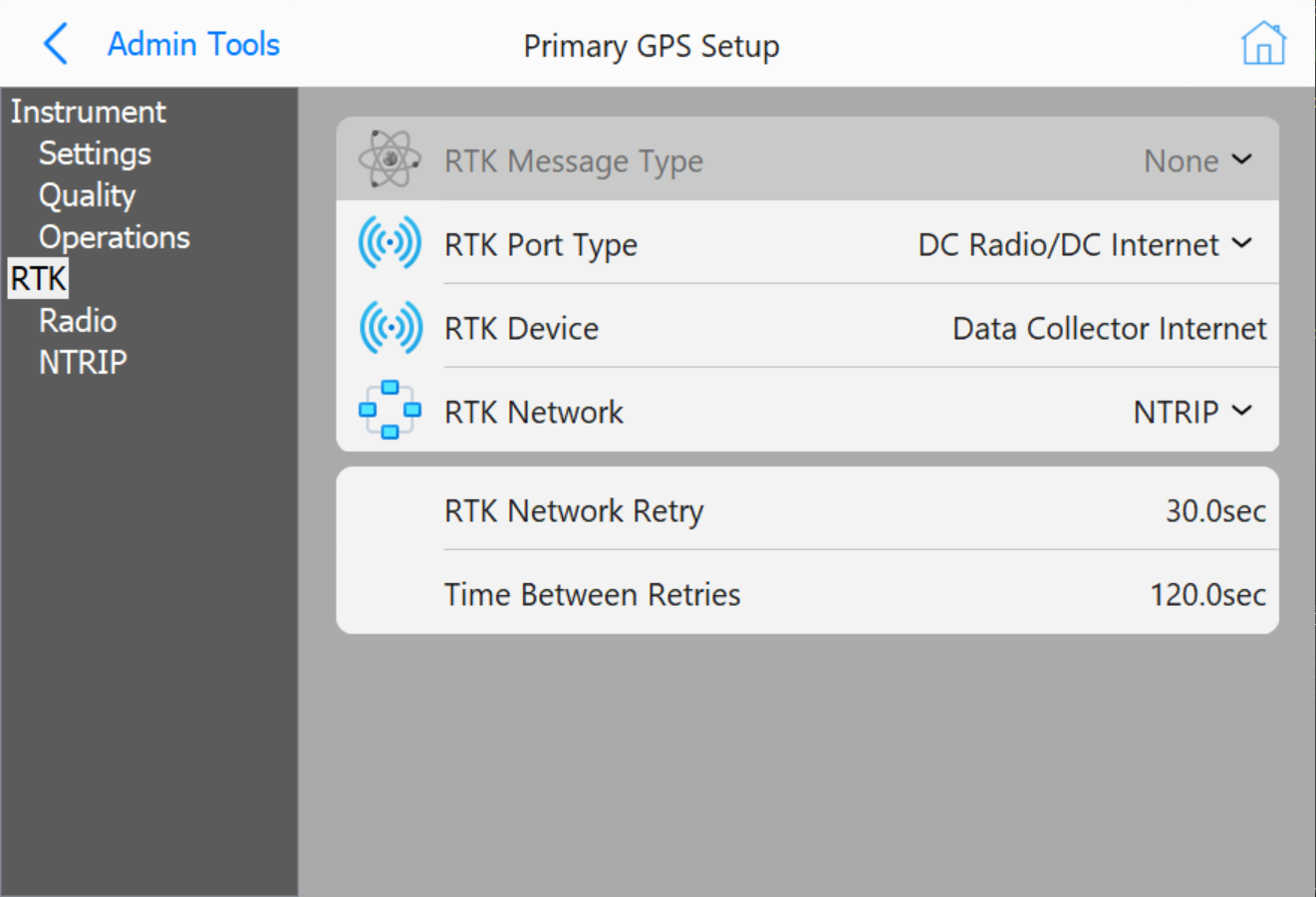
Note: Grade will automatically recognize the message type when this option is selected.
Note: RTK Radio Settings: All options will be blocked and unable to be changed except Output Port.
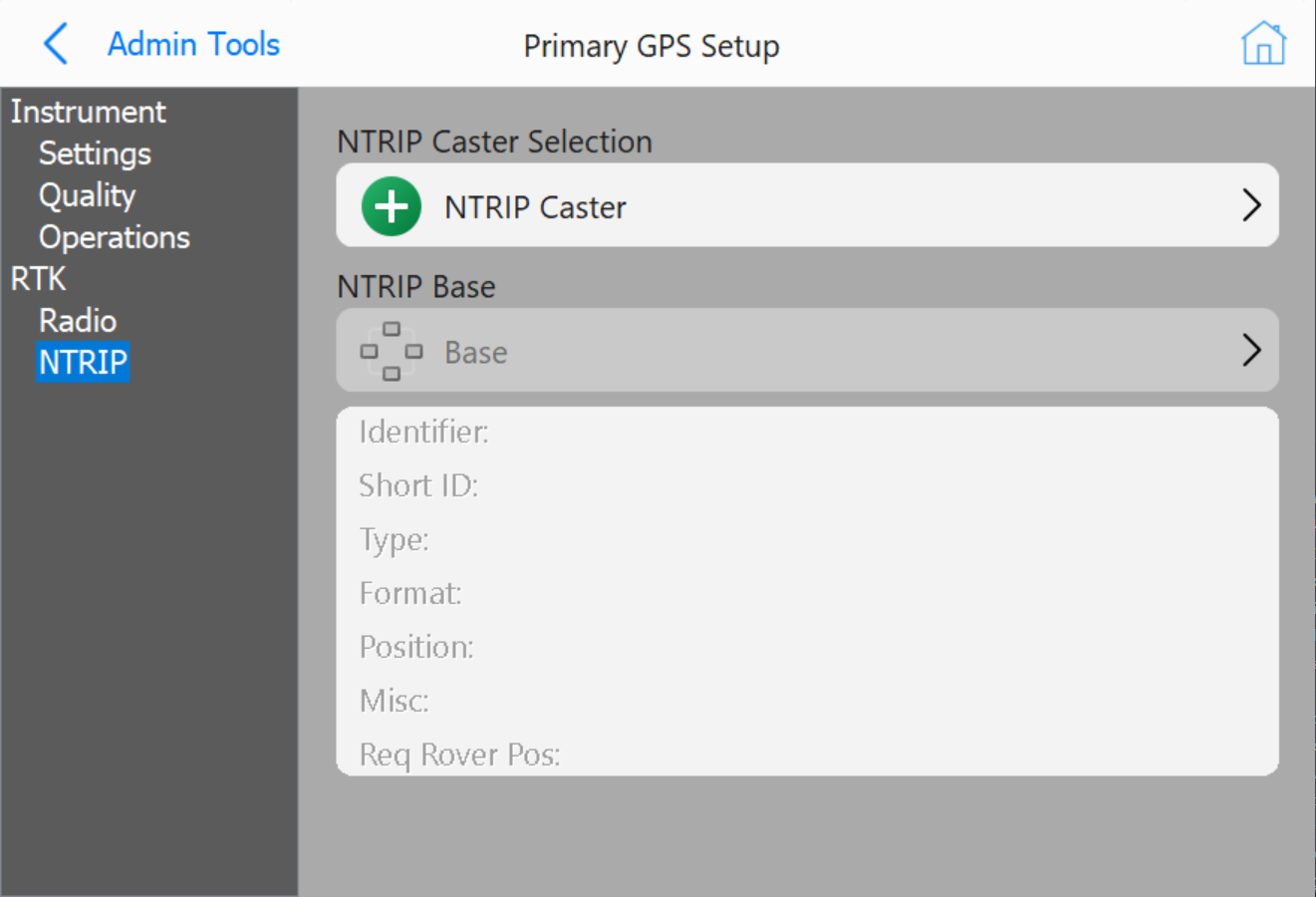
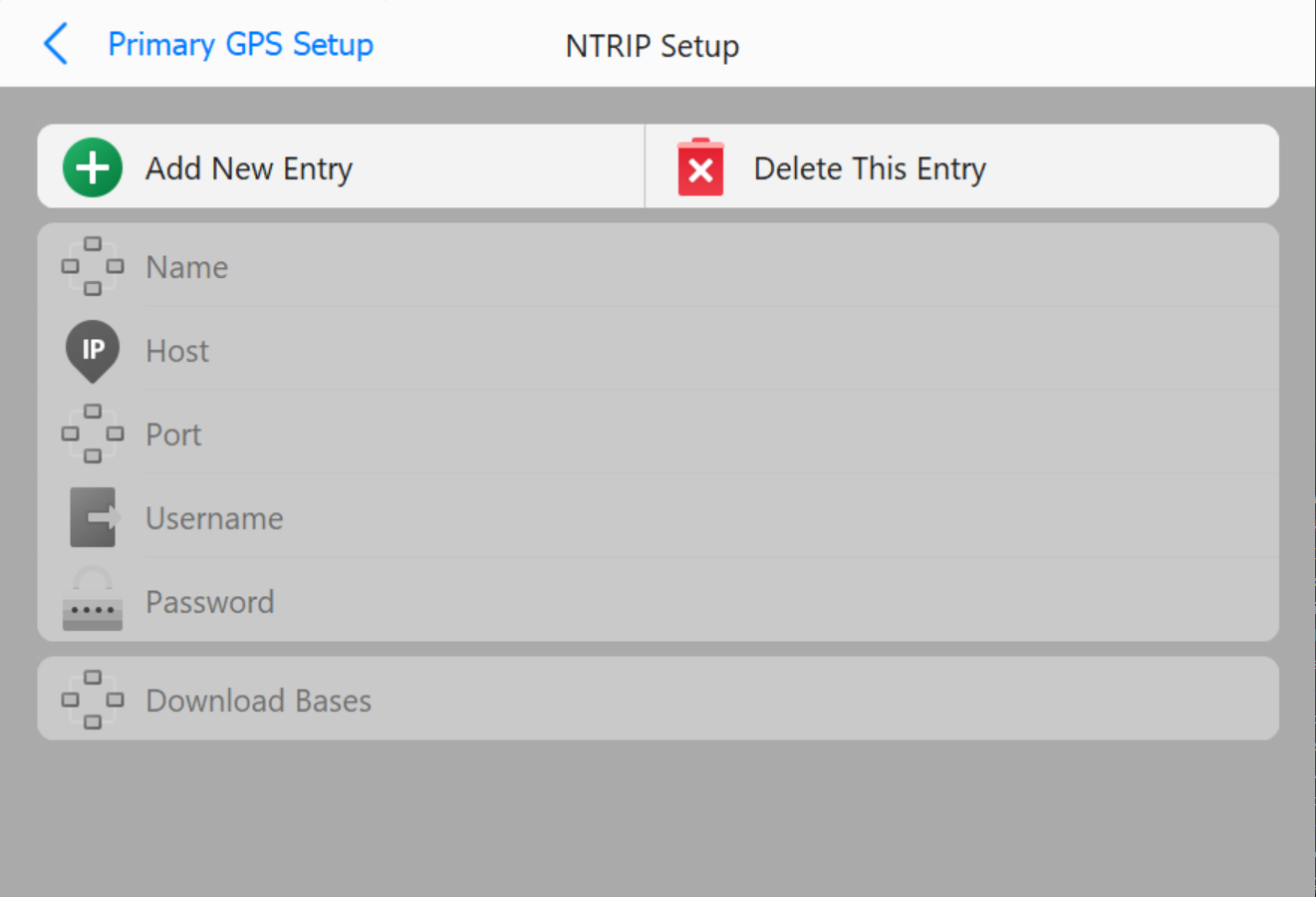
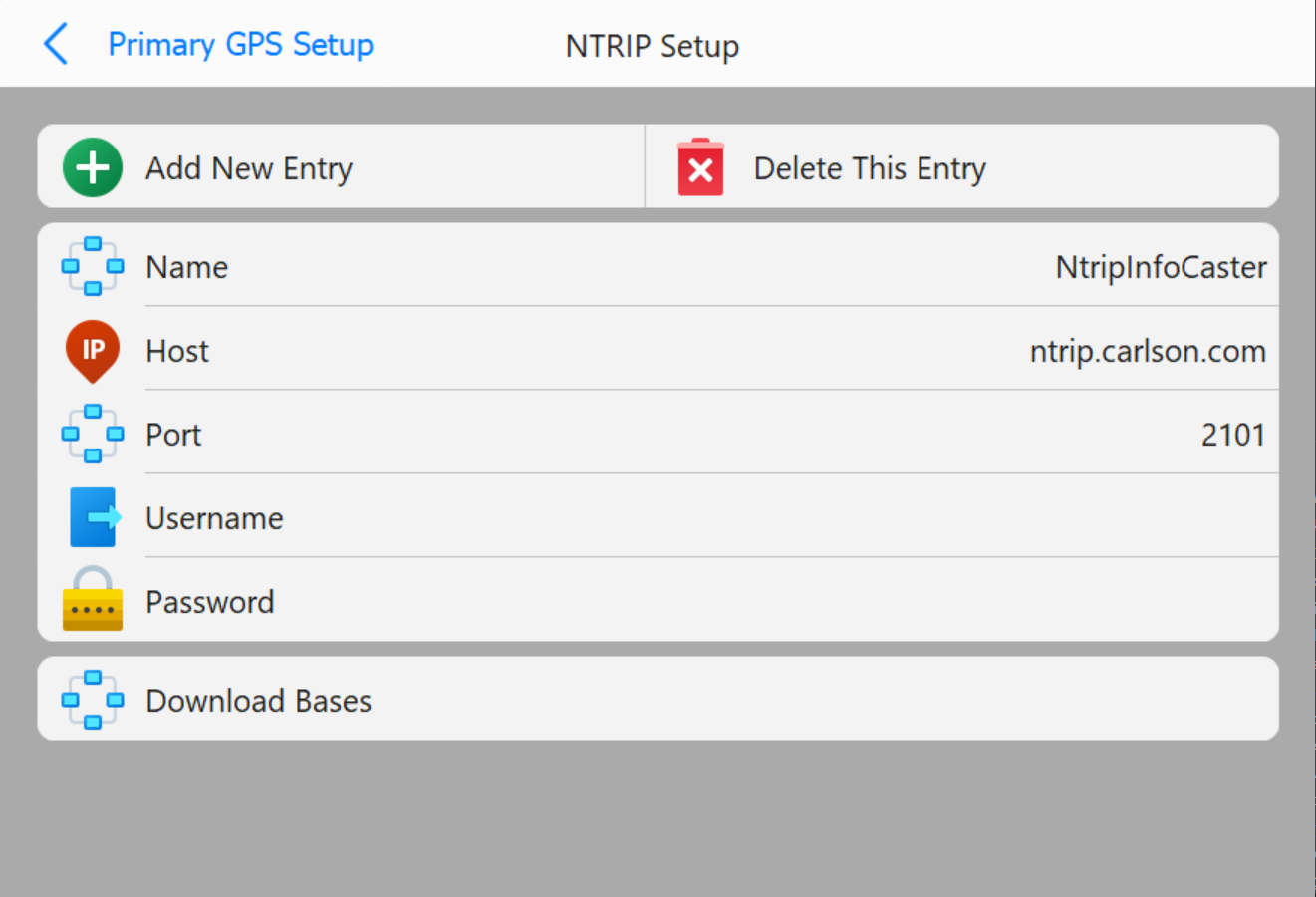
The NTRIP connection is complete.
Navigate to Tools → Show Monitor Screen to check the quality of the RTK.