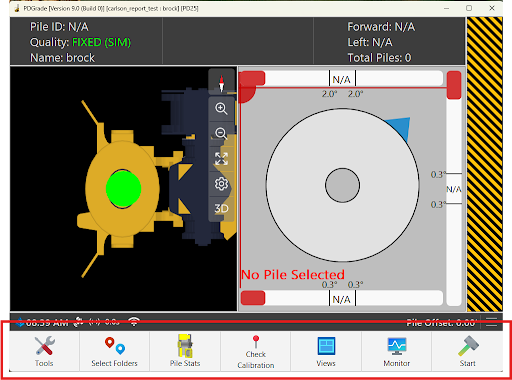
The toolbar allows for quick access to various functions and menus that are frequented in the application. The toolbar is designed to improve workflow by allowing operators essential functions, such as accessing options, switching views, and starting/stopping piling, within immediate reach. The options displayed in the toolbar can be customized in the Toolbar Display Options menu described below. The toolbar can be collapsed or expanded by pressing the Carlson Software logo found in the status bar. The state of being collapsed or expanded will be saved as Grade opens and when navigating away from the main view.