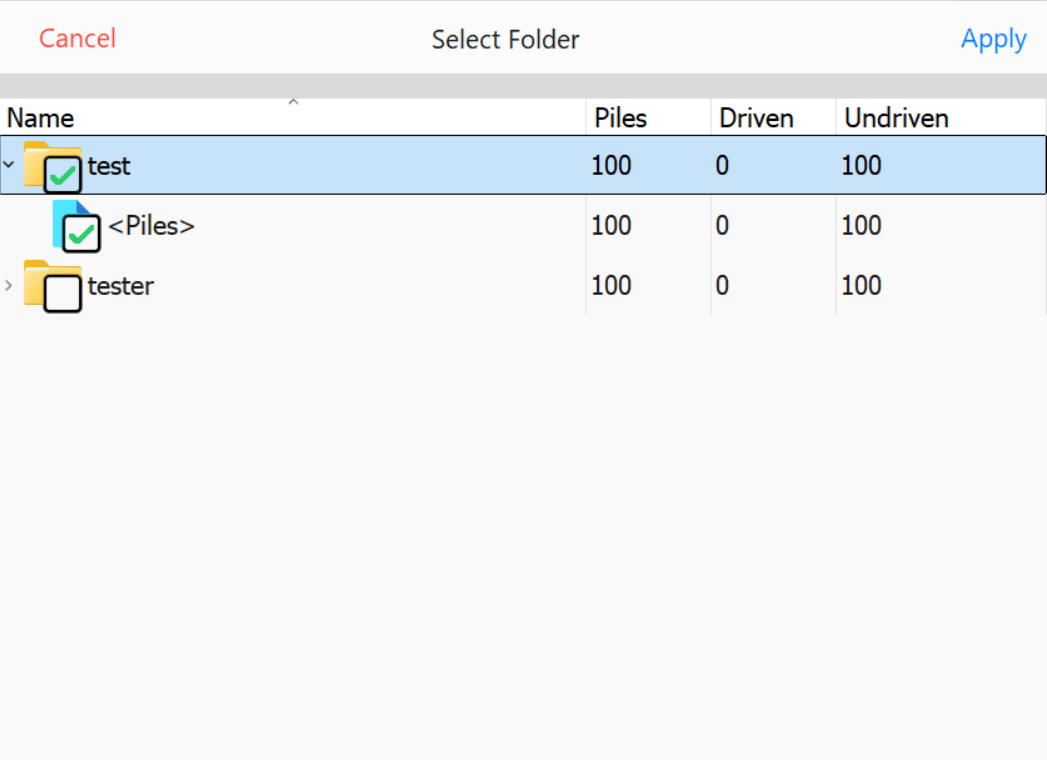
PD Grade stores all designed and as-built piles within a unified system, whether they are created within the software or imported from a .PILE file or other design formats. These piles are organized in a folder structure, allowing for efficient management and sharing.
Piles can be shared between multiple pile drivers for coordinated operations.
Integration with Carlson Command enables advanced reporting and pile design modifications.
Selecting Pile Groups (Folders)
To select a group of piles, toggle the checkbox next to the corresponding Folder.
Selecting a parent Folder will automatically select all child Folders within it.
Select Pile Groups (Folders)
Each Folder in PD Grade provides key details about the pile group, including:
Total Piles: The total number of piles within the folder.
Driven Piles: The number of piles that have already been driven.
Undriven Piles: The number of piles yet to be driven.
Selecting a Folder
Choose the appropriate folder(s) for the current working session.