Add New Pile
Add a new pile to an existing folder. Select item and press Edit to input a value.
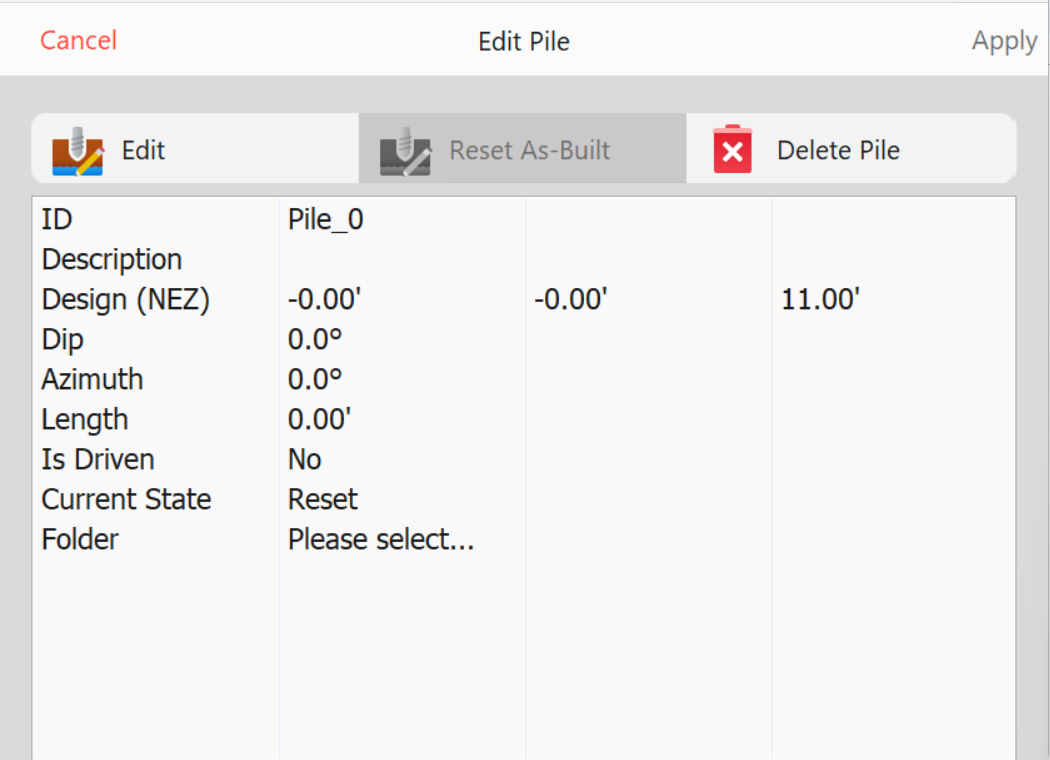 Add New Pile
- ID: Identification for the pile. Press Edit to input value.
- Description: Additional description or notes for the pile.
- Design: (NEZ) Coordinate of the design for the pile.
- Dip: Dip angle.
- Azimuth: (degrees) direction of the pile.
- Length: Distance to drive the pile.
- Is Driven: (not editable) If the is currently driven.
- Current State: (not editable)
- Reset
- Placed
- Refused
- Finished
- Surveyed
- Folder: Select a folder for the new pile.
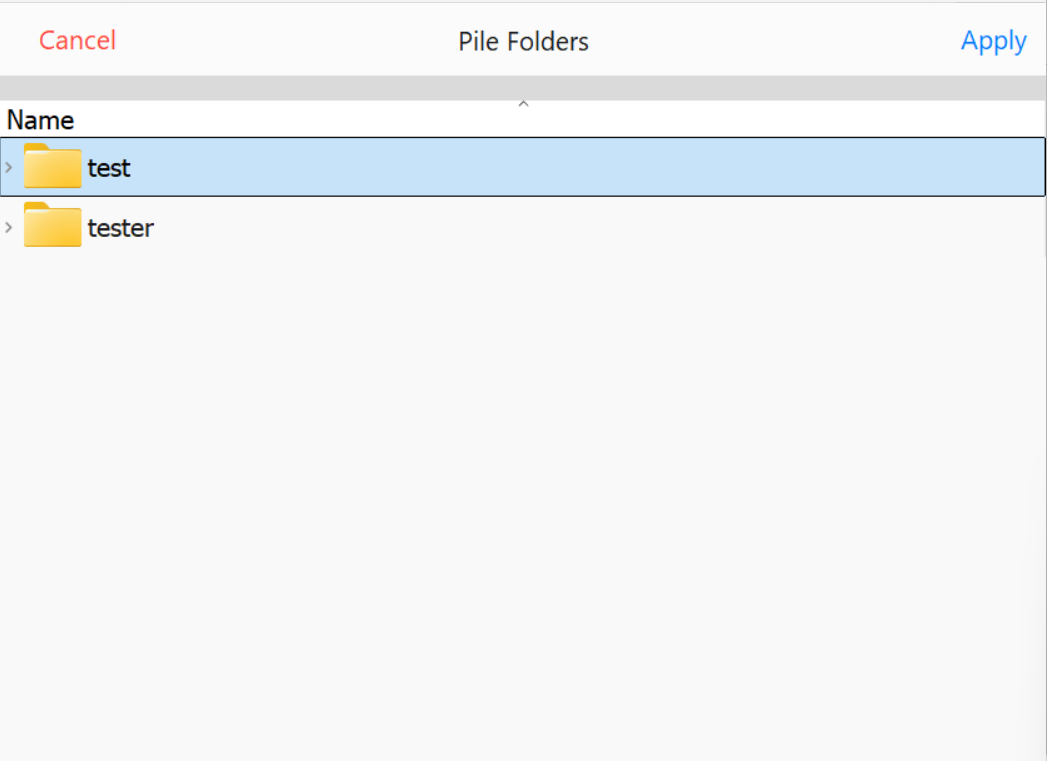 Select Pile Folder