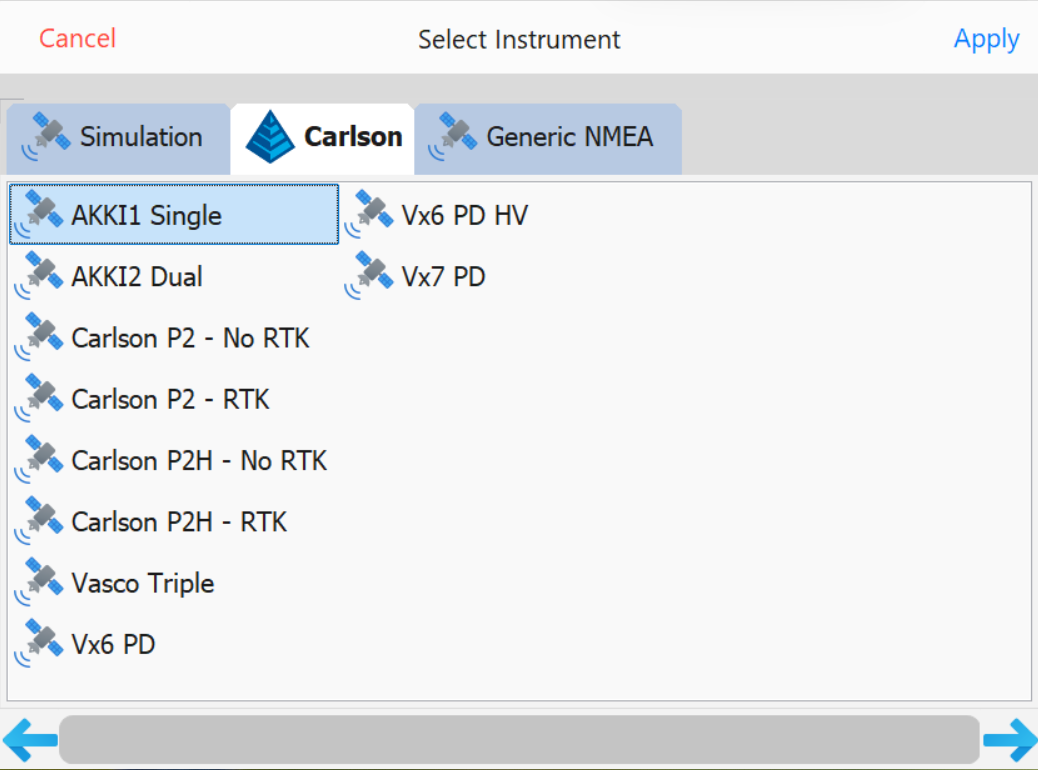
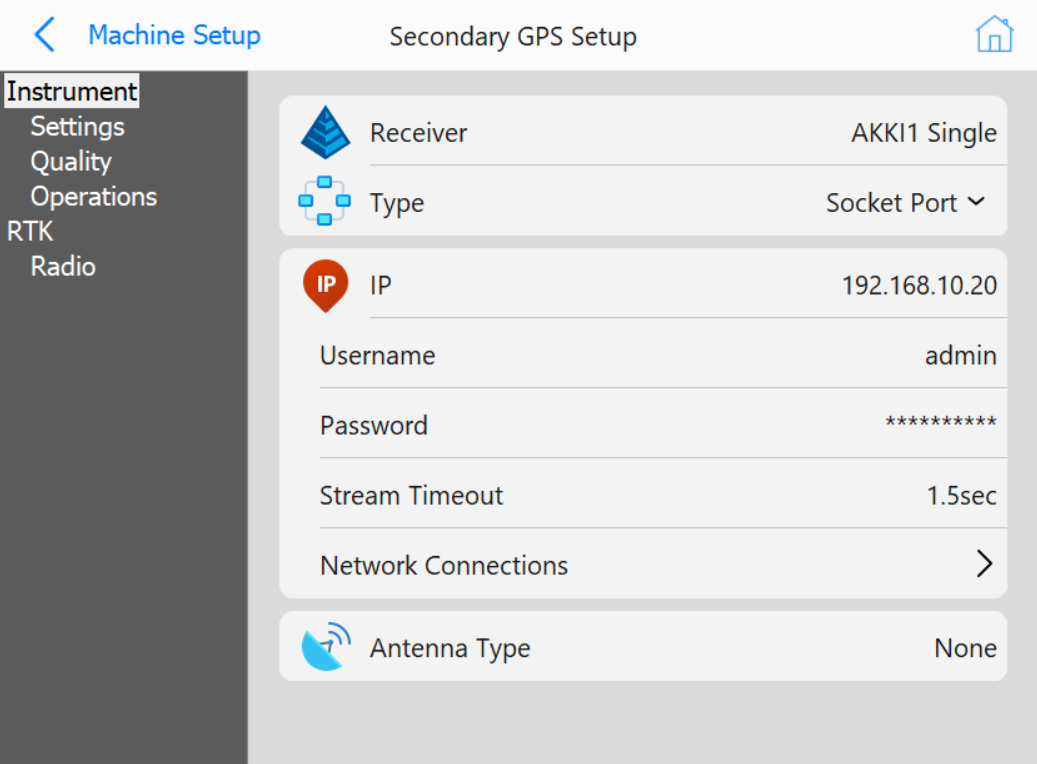
- Type: Socket Port
- IP:
192.168.10.20
If using a second GPS receiver for heading (versus using a single receiver that provides heading with dual antennas), configure it here using the same method discussed in the next section (Configure Rover). Alternatively, a Reverse Sensor can be used instead of GPS Heading. If so, select the port that the reverse sensor is on.
After all equipment installation is complete, connect to the AKKI1 GNSS Receiver and Setup the RTK (Real Time Kinematics).
192.168.10.20