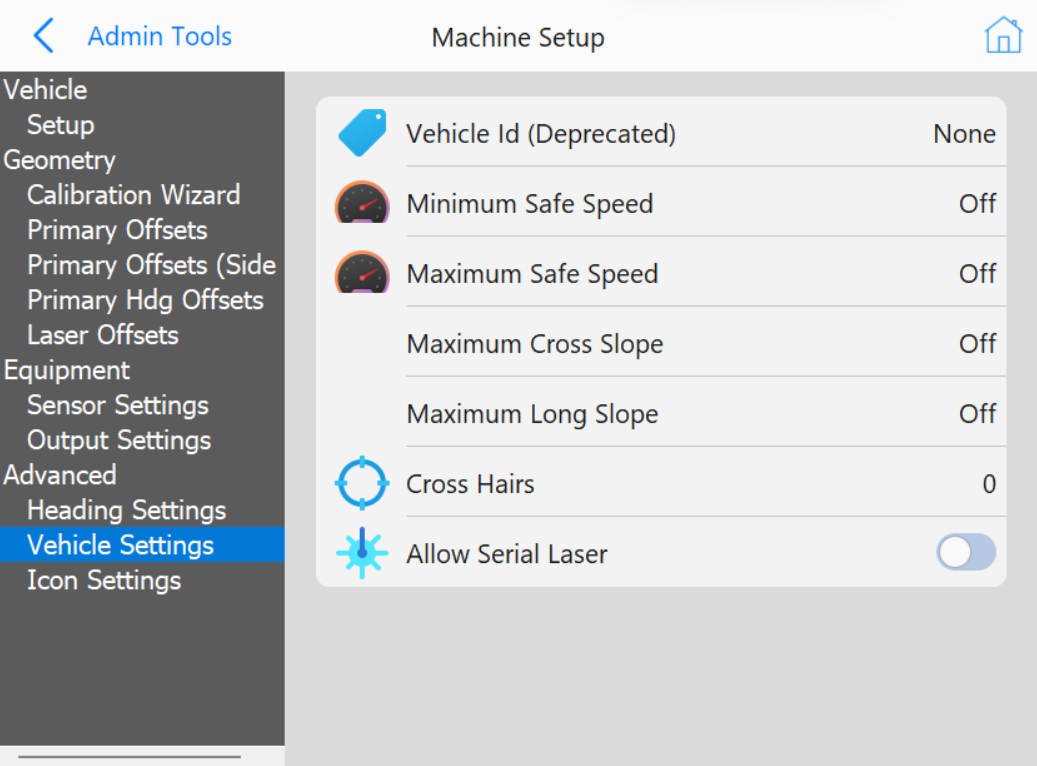
Use the Setup tab to select the vehicle type. A short summary of the current vehicle and critical parameters are shown below the vehicle selection.
Antenna Mount: The mounting location of the primary antenna.
Primary Offset: The current positional offset from the antenna to the center of the strike plate.
Heading Offset: The current angular offset between the vehicle azimuth, and an imaginary line that starts at the primary antenna, and goes through the heading antenna.
Chassis Length: The length of the chassis of the vehicle from the front of the vehicle to the rear.
Chassis Width: The width of the chassis of the vehicle from the left of the vehicle to the right.
Sensors: The currently selected sensor hardware set.
Sensor Connection: The currently selected sensor connection method.
Geometry
This section contains information about the measurements of the pile driver.
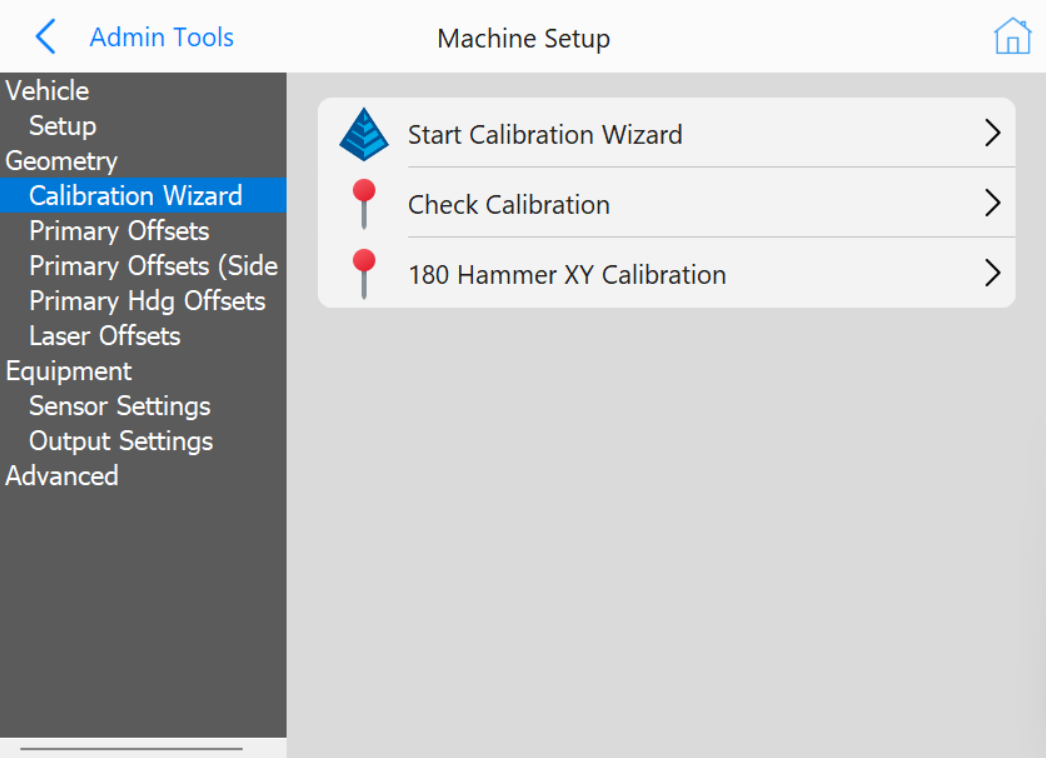
This will walk you through the steps of configuring the machine. This should only be done while following the Motium_MC-8_10_PD10 Install-Calibration Manual. If you do not have access to this manual contact your Carlson representative.
Equipment
This section contains parameters for auxiliary equipment including sensors and attachments. The kinds of equipment shown in this dialog depends on the vehicle type.