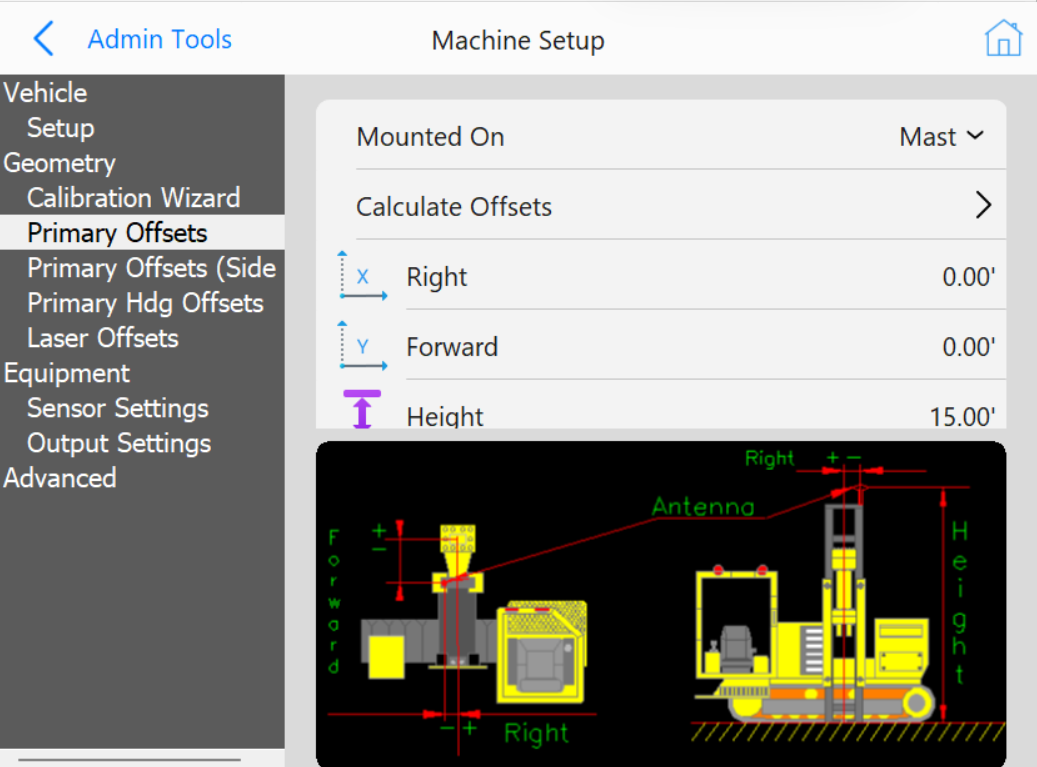
Enter the Forward, Right, and Height of the primary GPS antenna.
Primary Offsets
Mounted On: For PD Grade, the Primary GPS will always be mounted on the Mast.
Forward: The distance that the antenna is in from or back from the hammer. Back is represented by a negative (see image).
Right: The distance that the antenna is placed to the right of the center of the machine. If the antenna is to the left of the center of the machine then the Right will be negative. See Image.
Height: The distance that the antenna is above the ground.
Use Two Sided Offset: Two sided offsets may only be used if running C Channel piles, if seeing discrepancies in row to row accuracies, or Custom Guides that do not center piles beneath the center of the striker plate. If Two Sided Calibration Method is selected, once you have calculated Side A antenna offsets, you will be prompted to move to the opposite side of the pile (180°) to calculate and record Side B Offsets.
Calculate Offsets
Calculate Offset Options
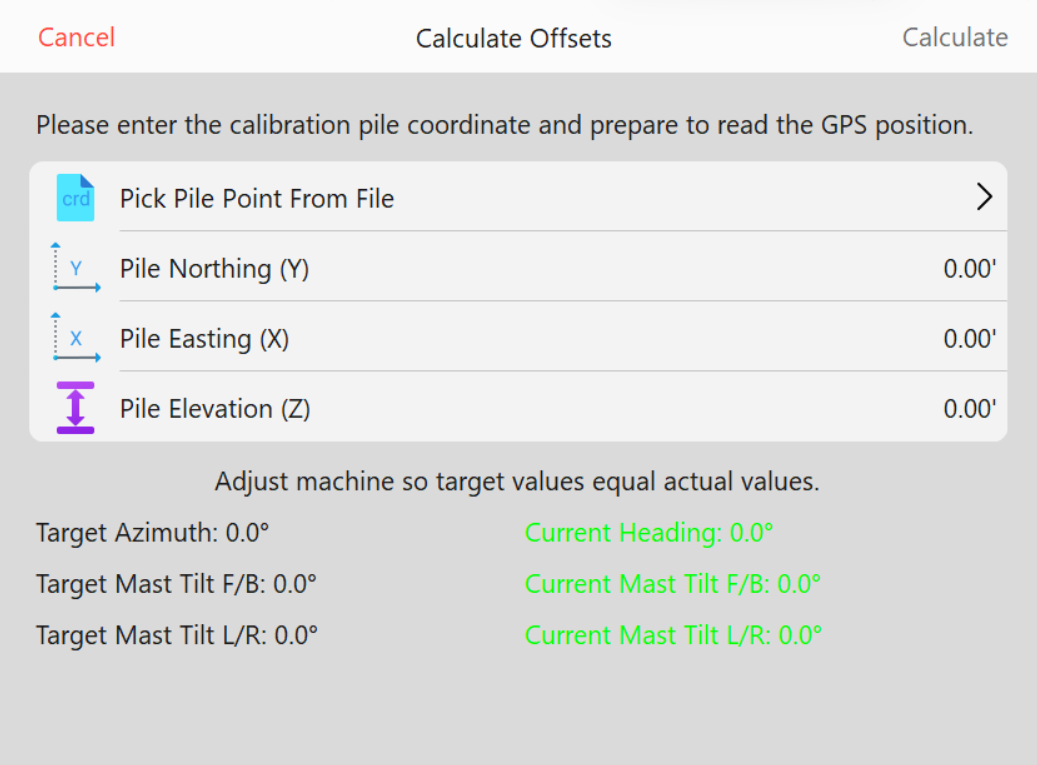
In this menu you can choose a set point and position the hammer at that point and then calculate the Position Offset from the GPS receiver to the center of Hammer.
Note: This menu is part of the wizard and should only be performed by a qualified technician.
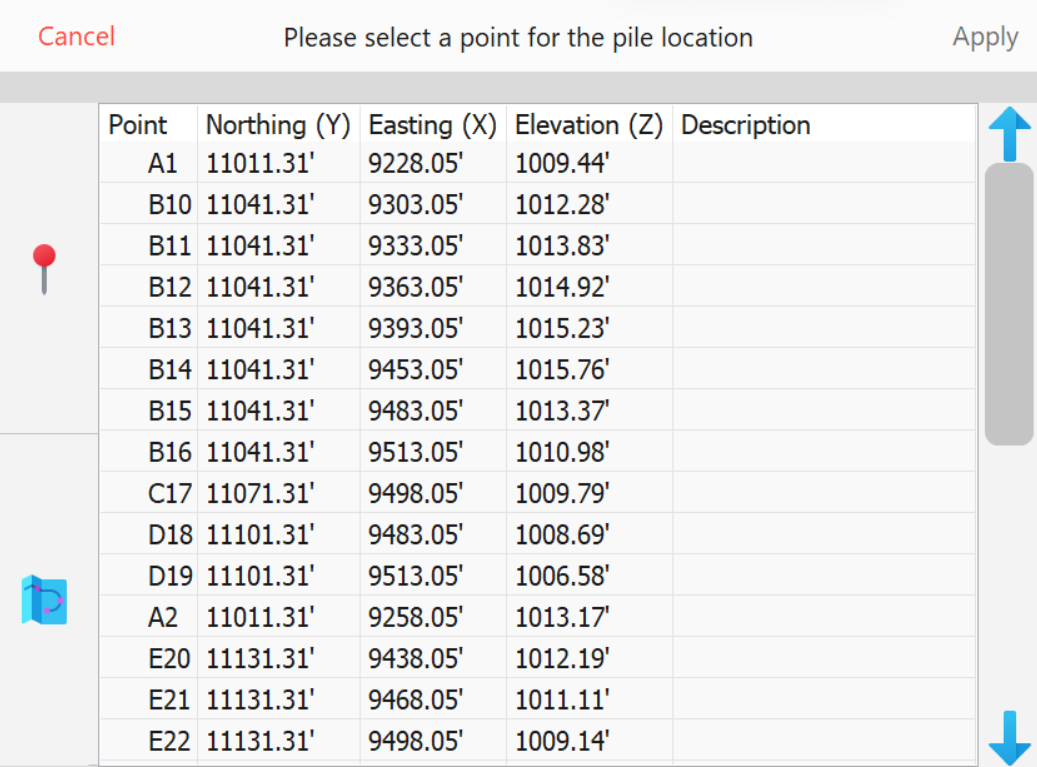
Enter Northing, Easting, and Elevation from the recorded top of Calibration Pile or Choose Point from File.
Specify Calibration Pile
Then press Read GPS Point.
This will fill in the GPS Y, X, and Z.
Then press Calculate.
PD Grade will then fill in the primary offsets for you.
Primary Hdg Offset
Note: This menu is part of the wizard and should only be performed by a qualified technician.