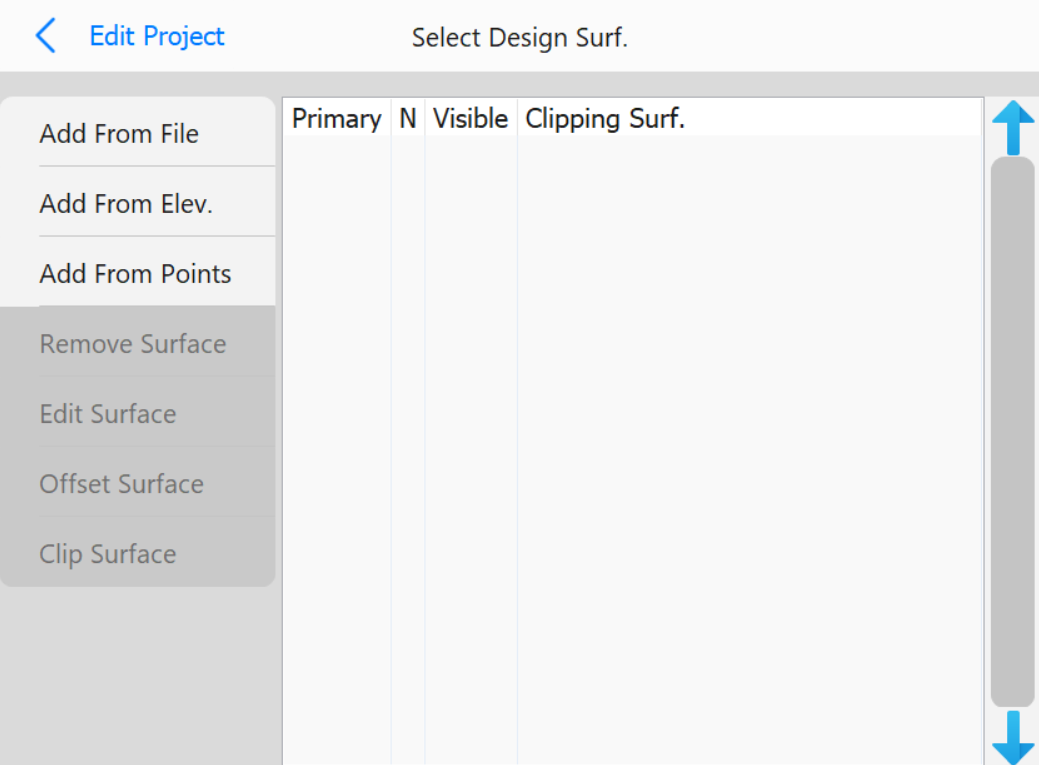
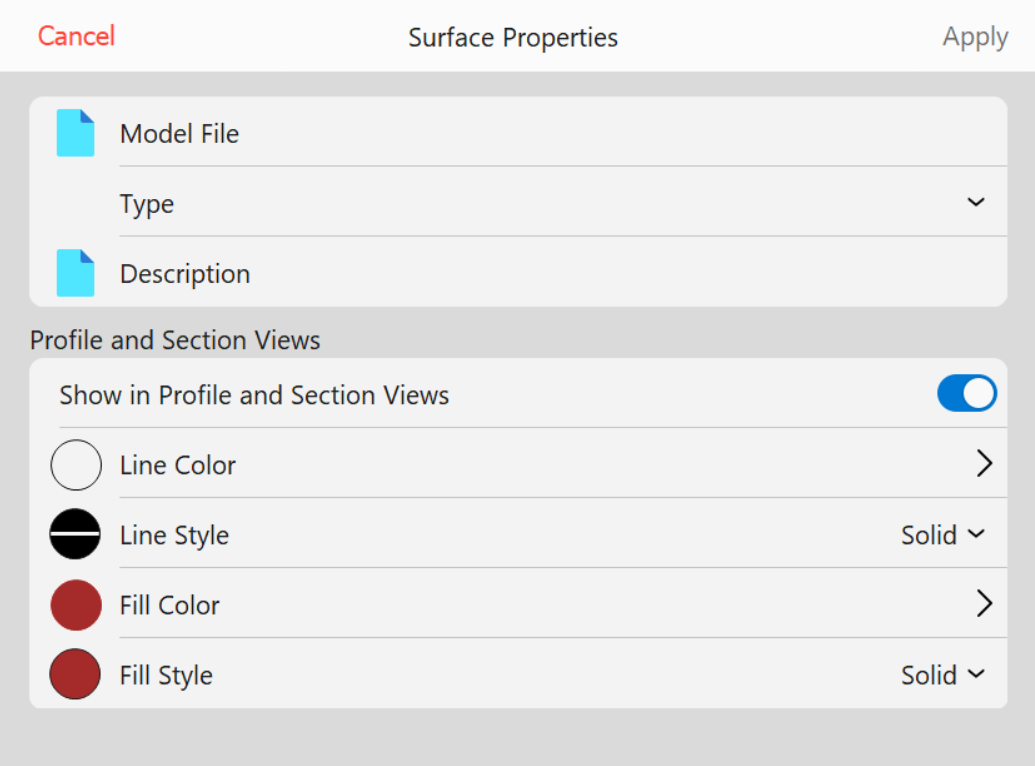
Add From File: Opens the following page
Surface Properties page
To add a surface from a file, a Model File and a Type have to be selected. Optionally, a
description can be added as well.
Showing/Hiding the surface in the Profile and Section Views as well as various color options are available in the second set of buttons
Add From Elevation: Opens the numpad to enter an elevation value to create a pad surface
Add From Points: Opens the file browser to select a file to create a TIN from
Remove Surface: Removes the selected surface
Edit Surface: Opens the Surface Properties page to edit the selected surface
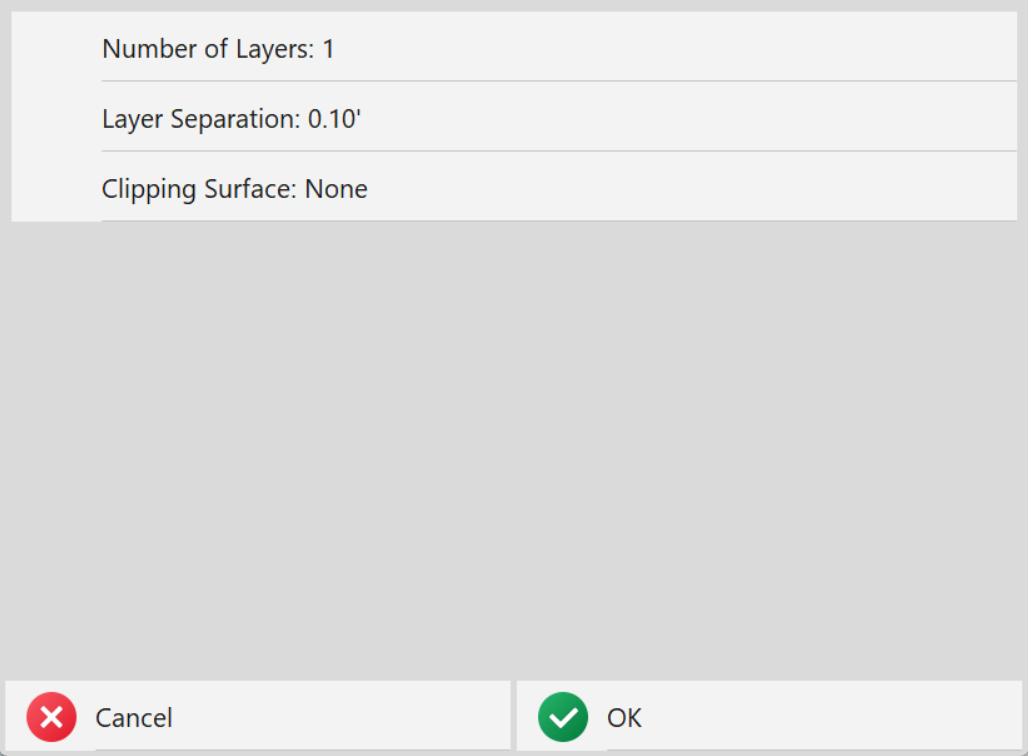
Offset Surface: Opens the following page to edit the number of layers, separation, and an
optional surface to clip to
Offset Surface Parameters page
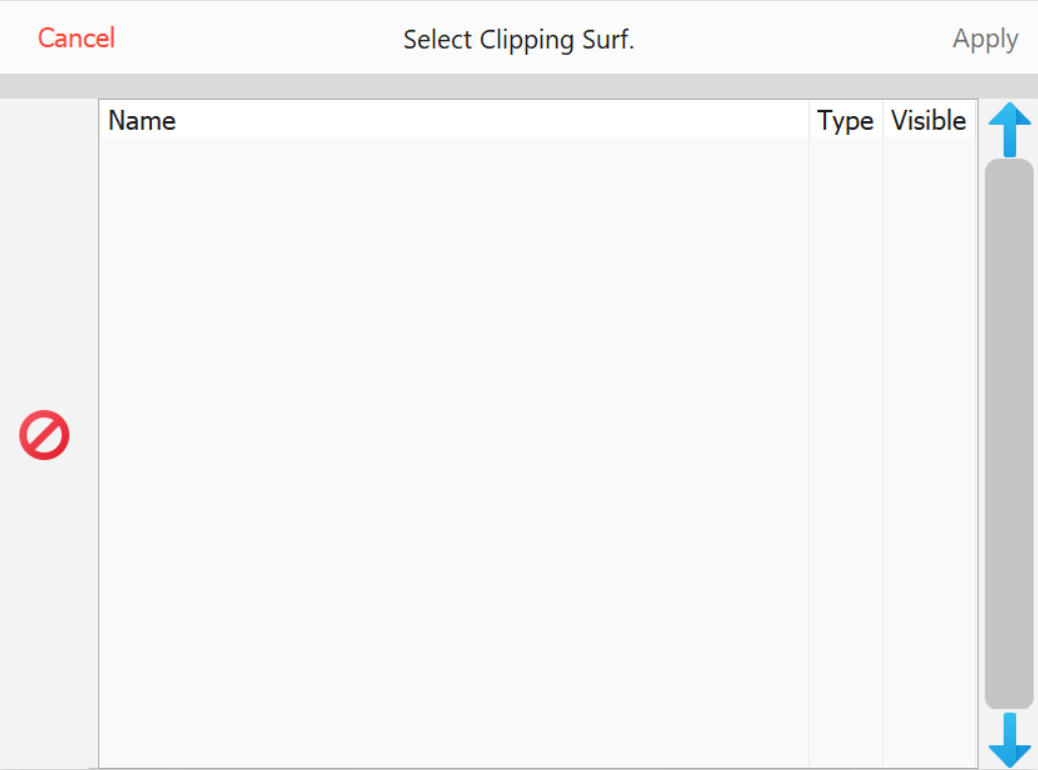
Clip Surface: Opens the Select Clipping Surface page
Checkbox: Can be clicked to set a surface as primary