M2M Rover Settings
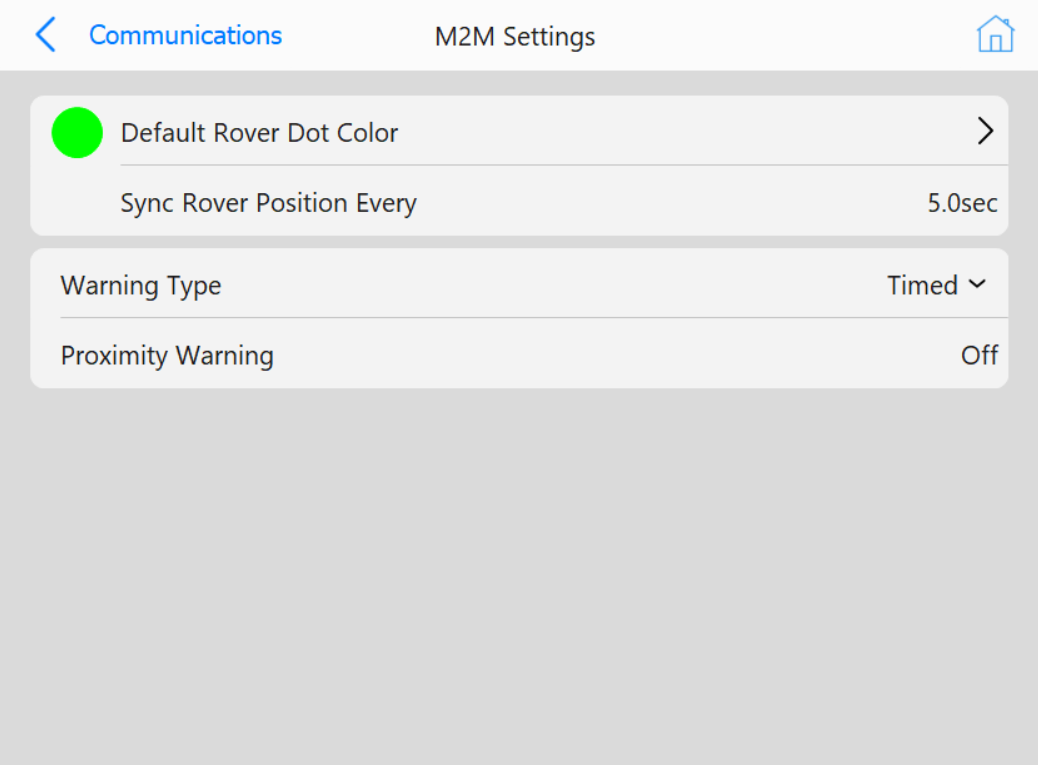 M2M Rover Settings page
Buttons
-
Default Rover Dot Color: Opens a color selection dialog to select the
default color for new nodes
-
Sync Rover Position Every: Opens a numpad to enter how long between
position syncs between machines
- Warning Type: Set proximity warnings based on one of two options
- Proximity Warning: Opens a numpad to either enter
a time or distance value (based on the selection of Warning Type) to display warnings