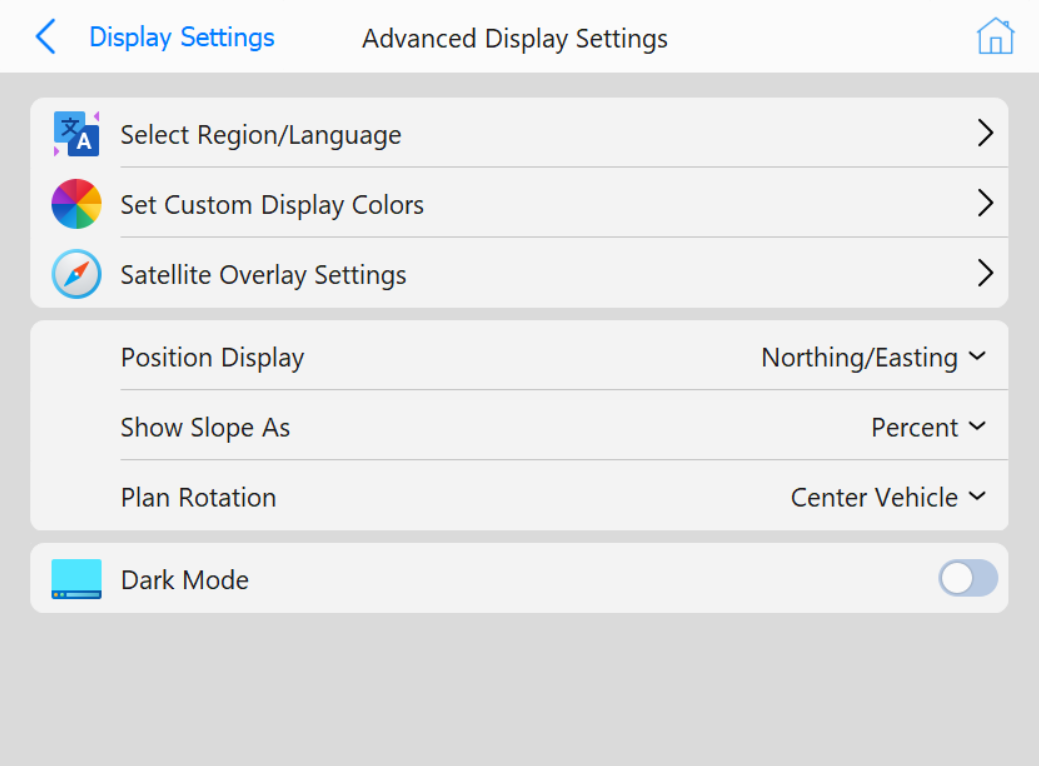
This page relates to settings that will not be changed often.
Buttons
Select Region/Language: Select the language to display in
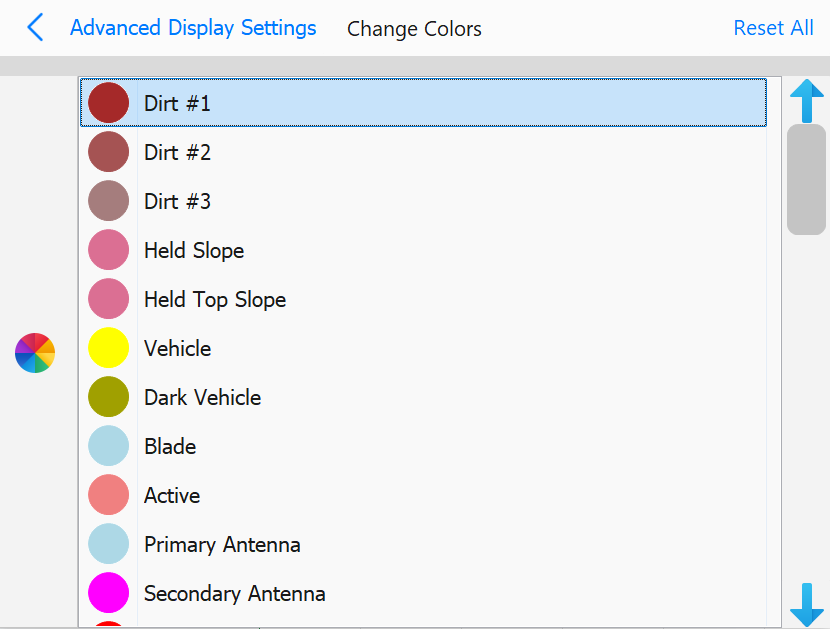
Set Custom Display Colors: Select colors for various aspects
of the scene, including antenna colors, text, and pile colors
Set Custom Display Colors page
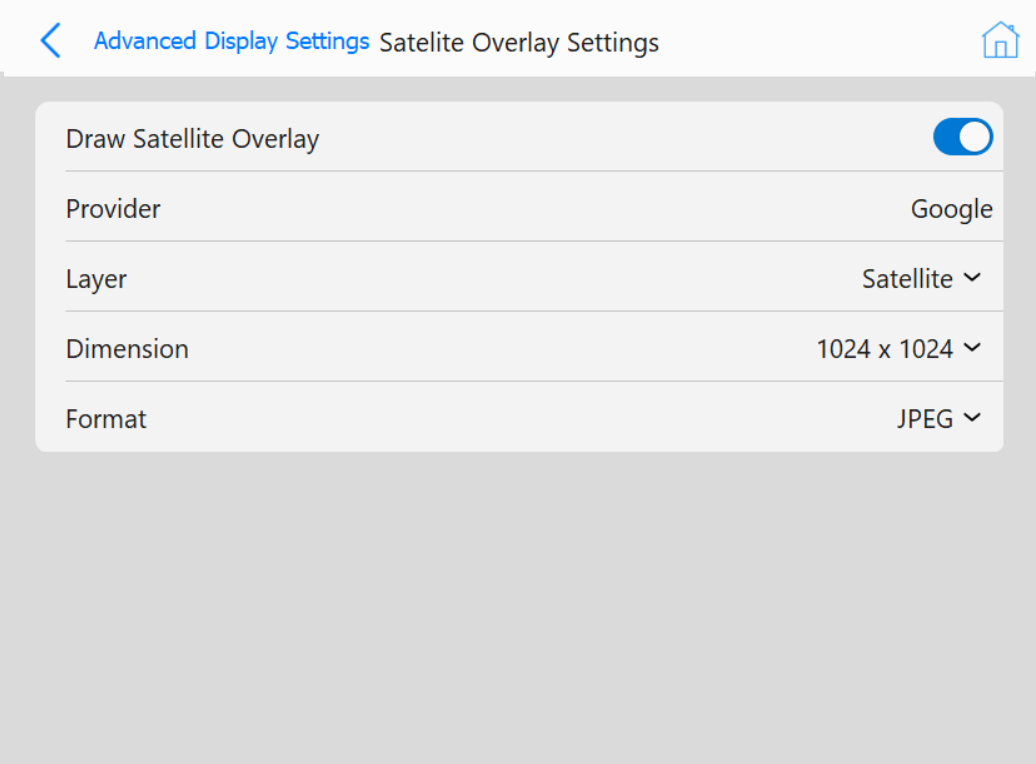
Satellite Overlay Settings: Opens a dialog to enable drawing
a satellite overlay in planview. If enabled, multiple options will be show regarding the overlay image.
Satellite Overlay Settings when Enabled
Position Display: This option will display different options to display X, Y
coordinates
Northing/Easting: Displays X position as Northing and Y as Easting
Easting/Northing: Displays X position as Easting and Y as Northing
Chainage/Offset: Displays X position as distance along centerline and Y as relative to chainage
Show Slope As: This option allows for different measures of the slope to be displayed:
Percent
Degrees
Rise/Run
Run/Rise
Ratio
Plan Rotation: This option allows for various planview rotation behavior:
Moving Map: Map rotates relative to vehicle movement
Center Vehicle: Vehicle is always centered
Custom Angle: Define a custom rotation angle for planview