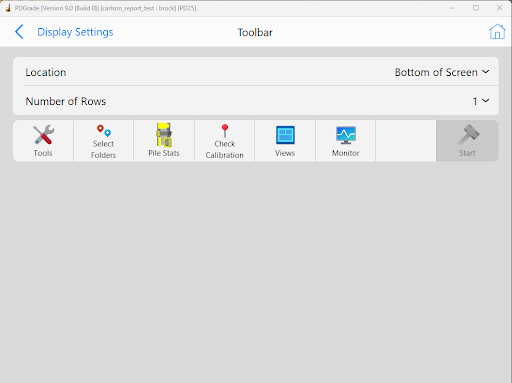
Location: Select the position of the toolbar. The options are the top and bottom of the screen.
Number of Rows (1, 2, 3): Grade supports stacked toolbars, up to 3. Toolbar 1 will be the primary toolbar, 2 and 3 will be visible, when enabled, above toolbar 1. Press the target button above Tools to expand and see all enabled toolbars.
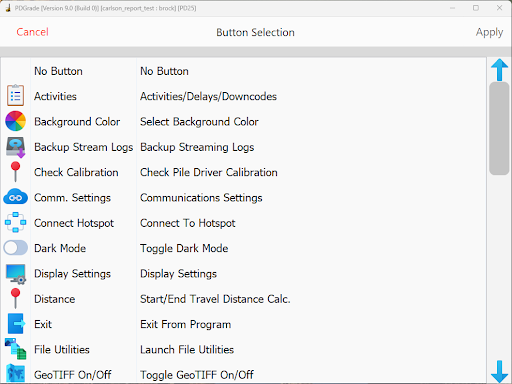
Toolbar Buttons: The toolbar buttons are all configurable and assigned to the function keys F2-F8. These buttons allow the operator to quickly access features from the Admin Tools, Operator Tools, Options and other menus. Press the button and select the desired button in the menu shown below to change them from the defaults.
Toolbar Button Selection