Settings Report
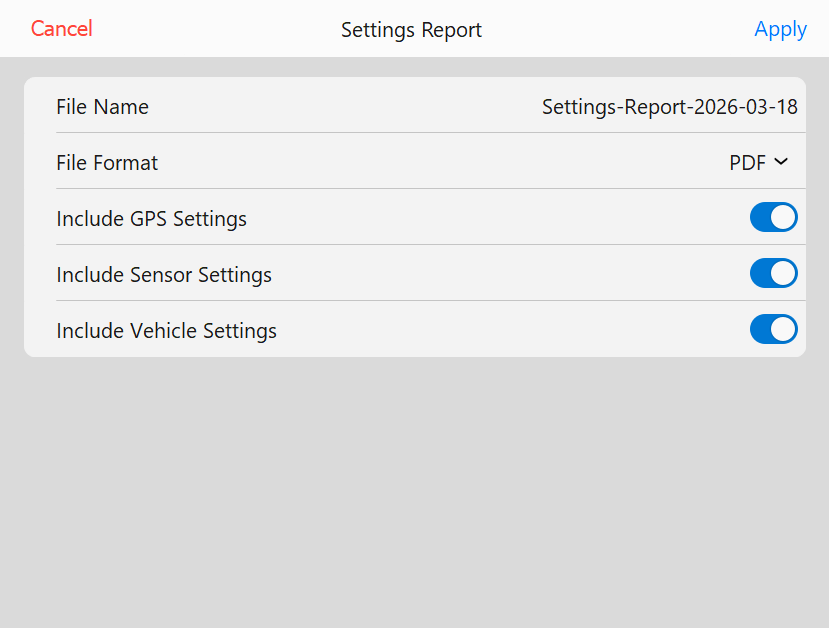 Settings Report page
Select what you want to be included in the settings report. Report can be saved as CSV or PDF and is saved
to the Reports folder in the Data directory
- File Name - Opens a keyboard to set the filename for the created report
- File Format - Allows the operator to save the report as either a CSV or PDF
- Include GPS Settings - Include the GPS settings in the report
- Include Sensor Settings - Include sensor settings in the report
- Include Vehicle Settings - Include the vehicle settings in the report