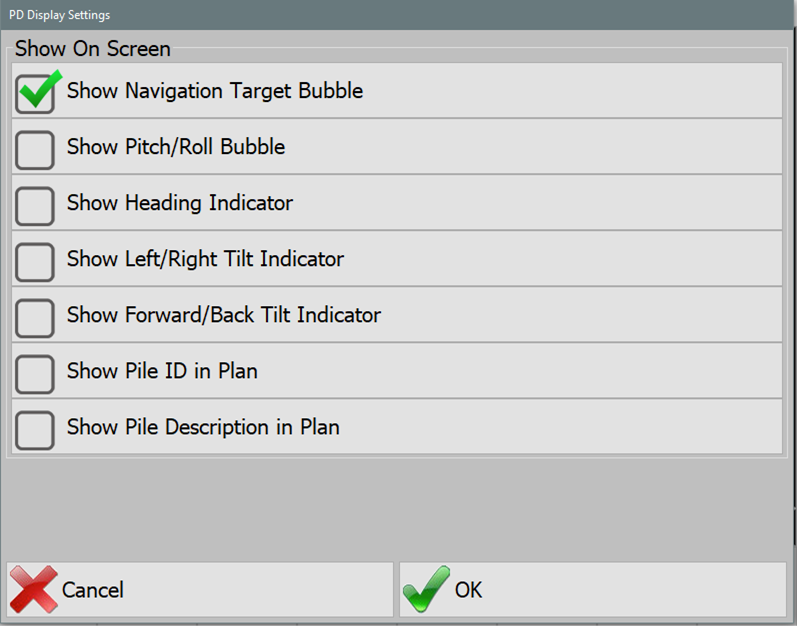
Available display options include:
- Show Navigation Target Bubble: Displays a small target bubble in the top right of the main plan view. It mirrors the large target for navigation assistance.
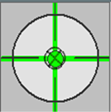
Navigation Target Bubble - Show Pitch/Roll Bubble: Appears in the top left of the plan view. It centers when both pitch and roll are zero, indicating a level machine.
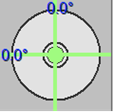
Pitch/Roll Bubble - Show Heading Indicator: Located to the right of the plan view's large target, this shows the difference between the vehicle's heading and the pile's azimuth.
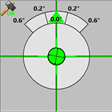
Heading Indicator - Show Left/Right Tilt Indicator: Displays hammer plumbness in the left/right direction.
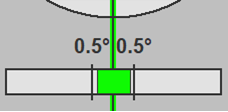
Left/Right Tilt Indicator - Show Forward/Back Tilt Indicator: Displays hammer plumbness in the forward/back direction.
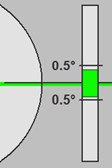
Forward/Back Tilt Indicator - Show Pile ID in Plan: Toggles the visibility of pile IDs or names on the plan view.
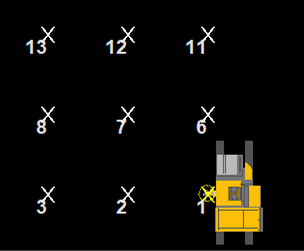
Pile ID in Plan - Show Pile Description in Plan: Toggles the visibility of pile descriptions in the plan view.
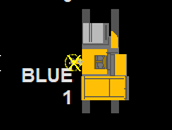
Pile Description in Plan