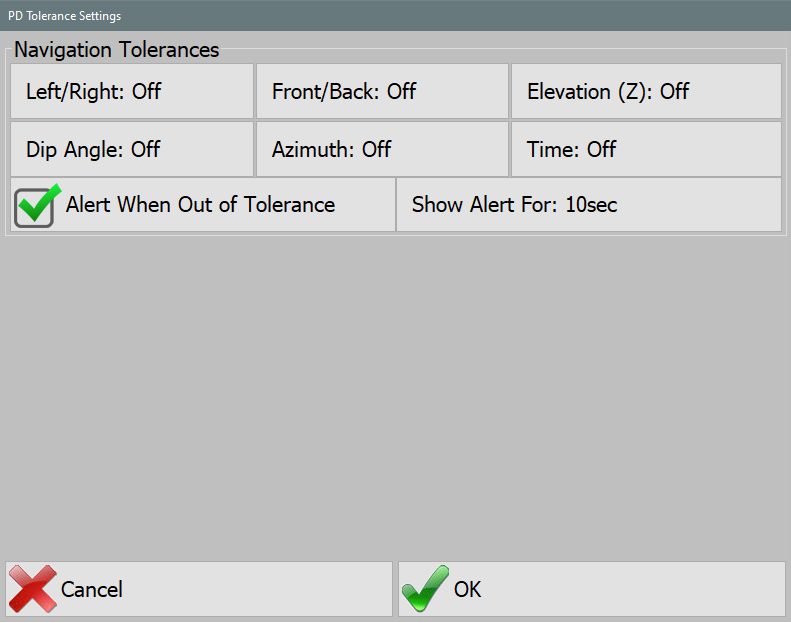
The Navigation Tolerances settings define acceptable deviations for pile placement. Properly configuring these tolerances ensures accurate positioning and enables the Hammer OK symbol for operator guidance.
Tolerance Parameters
- Left/Right: Set the lateral position tolerance.
- Front/Back: Define the forward/backward placement accuracy.
- Elevation: Specify the allowable vertical deviation.
- Azimuth: Enter the acceptable angular offset for pile alignment.
- Dip Angle: Set a tolerance for the pile's inclination.
- Time: Define a time threshold before tolerances reset or update.
Behavior & Effects
- A value of 0 disables the corresponding tolerance.
- If no tolerances are set (all values are 0), the Hammer OK symbol and crosshairs for proper pile positioning will not appear.
- When all specified tolerances are met, the Hammer OK symbol will display, indicating the pile is correctly positioned for driving.