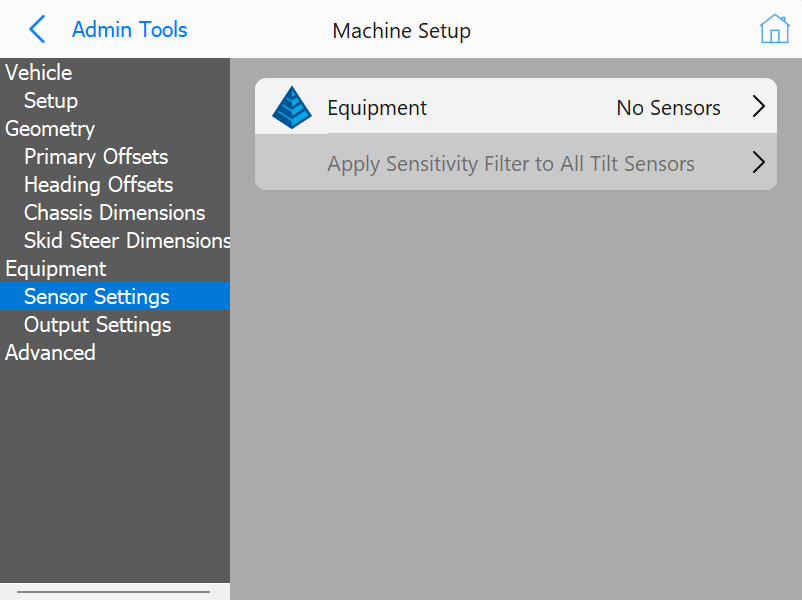
Note: This menu is part of the wizard and should only be performed by a qualified technician and is typically not needed for PD Placement machines.
To configure a sensor select, it from the list and then press the Configure button.
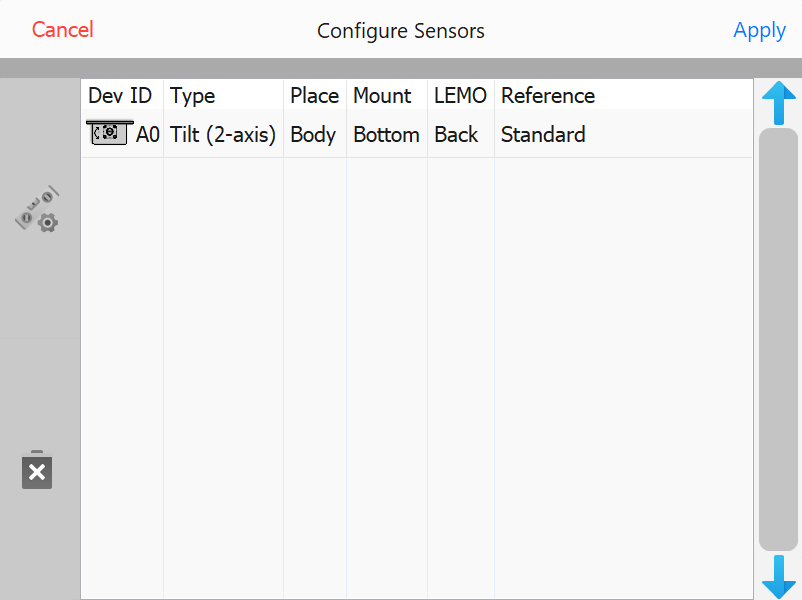
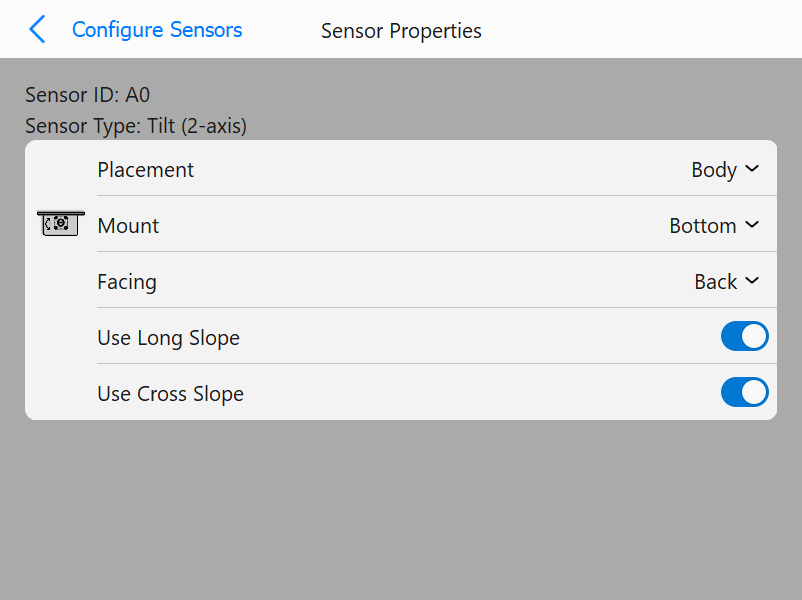
(see image, for axial sensors only)
Note: This menu is part of the wizard and should only be performed by a qualified technician.
When you first enter the calibration menu you will be asked how long to average the sensors. This is how long the reading will be taken for calibration. Longer times will have better results but the default value of 2 seconds is adequate for most operations.
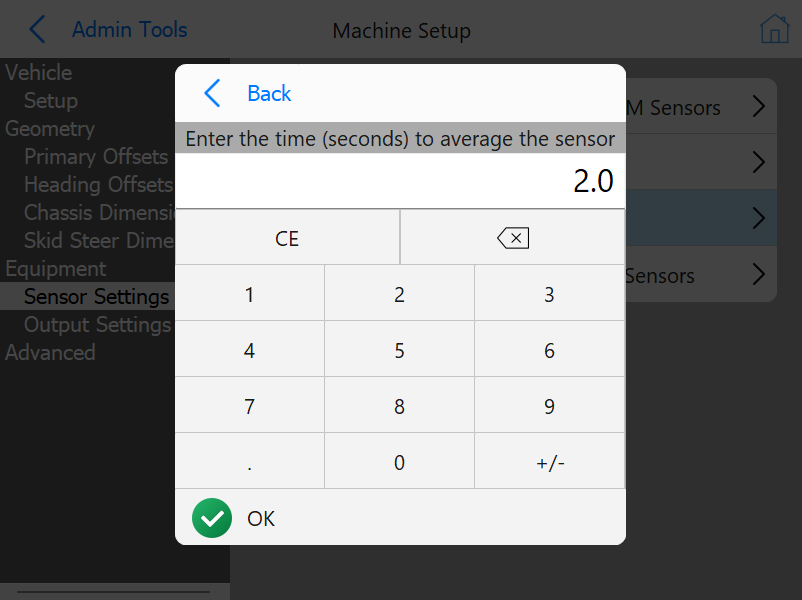
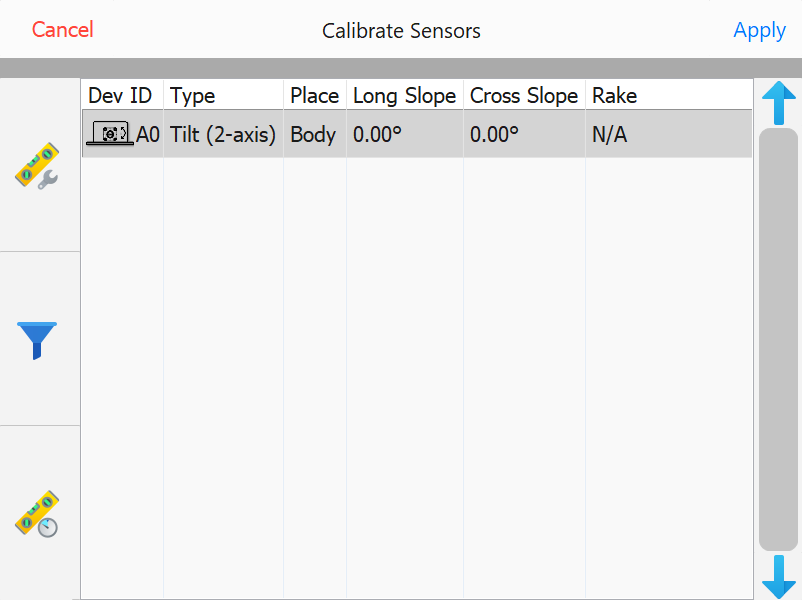
Select the sensor on the left and press calibrate.
Tilt sensors can be filtered to reduce noise in the signal. Select the tilt sensor and press Filter.
The filters are separated into Cross and Long slope limits but function the same way.
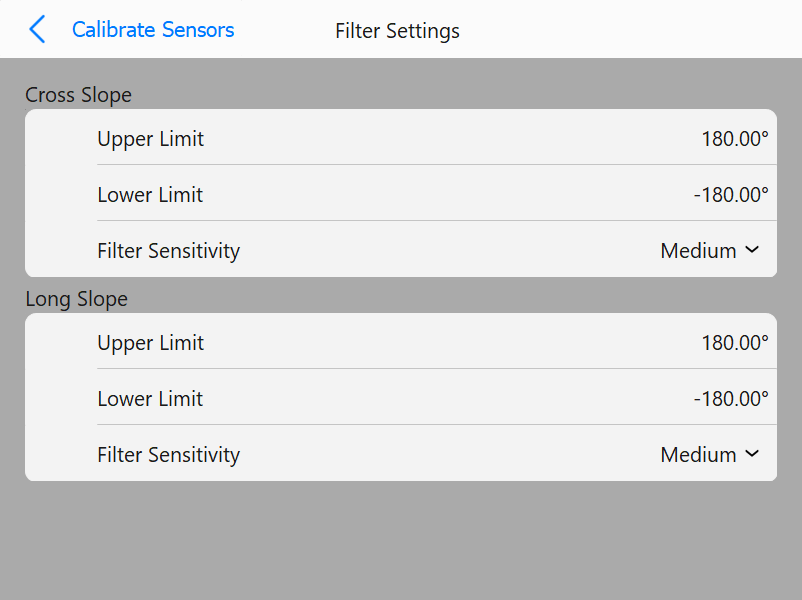
All tilt sensors are set to medium by default. Adjustments of these filters depends on the type of work performed and should be evaluated on a site-by-site basis.