Cross Section
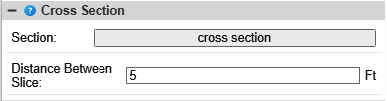
This feature generates cross sections comparing the as-built surface to a specified design at uniform intervals.
Distance Between Slice - Defines the spacing between the generated cross-section views. To set up the comparison, select the desired design from the tree view below.
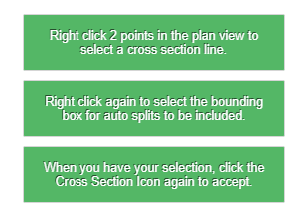
To create a cross-section of the fill section, follow these steps:
- Right-click once to begin drawing a line across the area you wish to cross-section. The area will be highlighted.
- Right-click a second time to confirm the selection line.
- Click the "Cross Section" button again. A dialog box containing the generated cross-sections will appear.