Folder
Choose a folder to import into on the left tree. Make sure a folder is selected before beginning to prevent the design from being imported to the wrong place. Press the folder icon next to the input for “CSV File” to select a .csv to import.
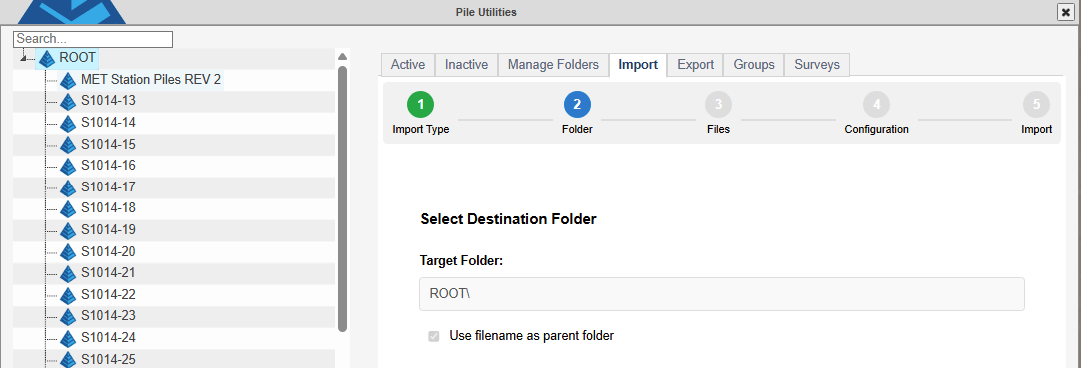
Use Filename as Parent Folder - (defaulted to “checked” if importing into the root folder) All designs must be imported into a folder. If a folder has been made in the “Manage Folders” tab, or when importing into a folder to update a design, that folder can be selected on the left. If the file name is to be the name of a new folder, check this option.