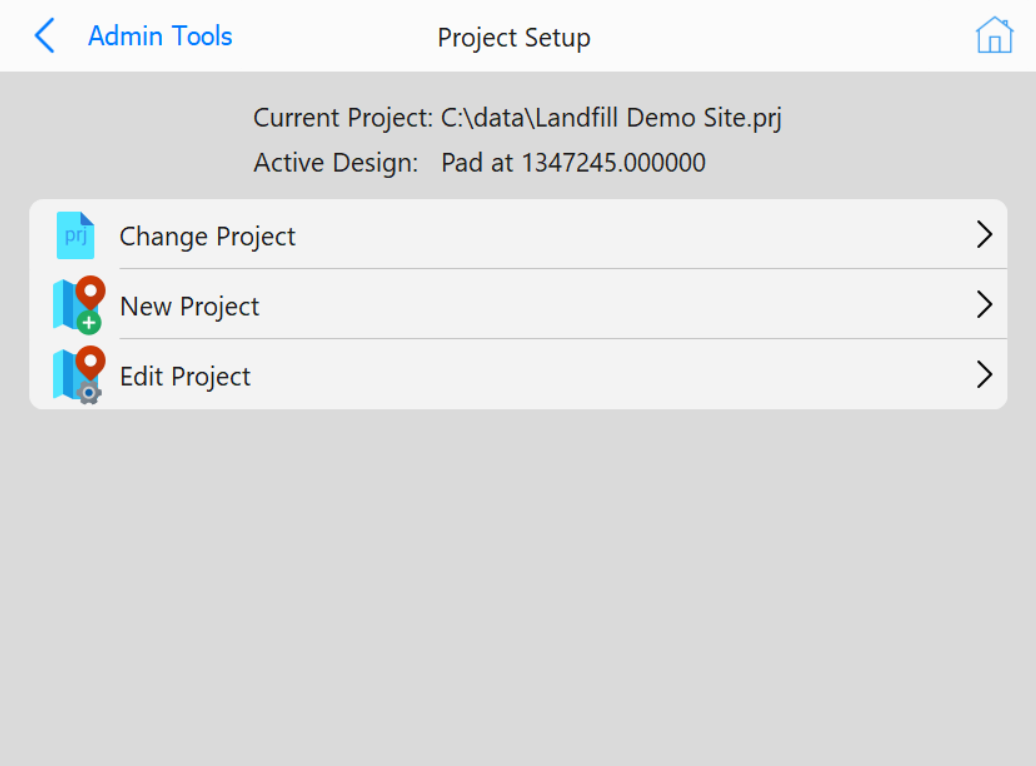
This page will display the current project that is selected and the active
design surface
Buttons
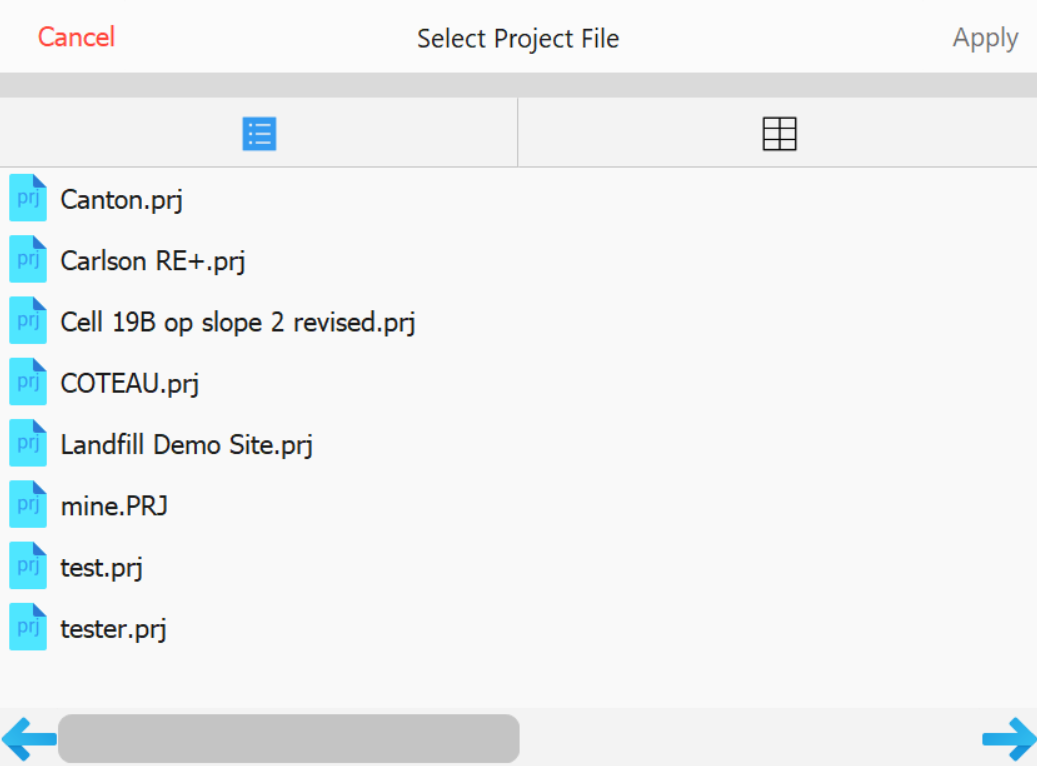
Change Project: Clicking this button will open up the
project selection page shown below to change the project to an existing one in the Data directory
Change Project page
New Project: Opens a keyboard to enter a project name then opens the Edit Project workflow
Edit Project: Takes you to the Edit Project workflow