Alert Report
The Alert Report provides information about the number and duration of alerts occurring on machines.
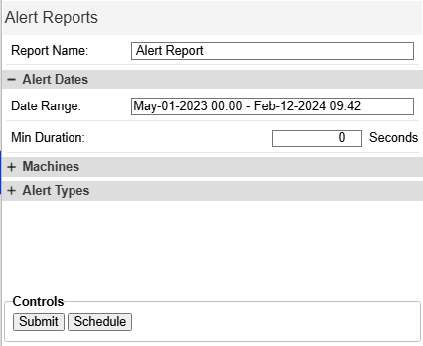
Alert Report
Options
- From/To: Select Start and end times for the Report.
- Min Duration (seconds): the minimum amount of time an alert needs to have been active to be included in the report.
- Machines: select the machines to be included in the report.
- Alert Types: Select the types of alerts to include in the report. This list is automatically generated from the alerts that have occurred on the machines.
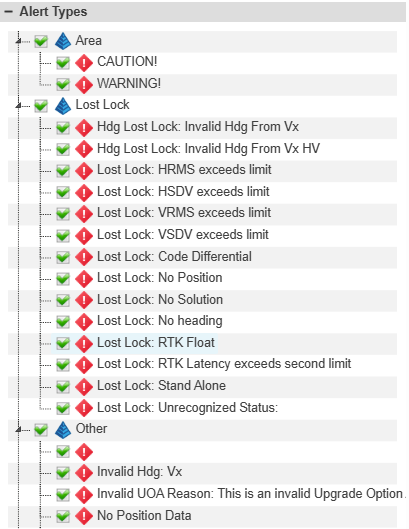
- Alert Types
- Download Options: Set a name to appear on the downloaded report.
Outputs
The alert report displays information on the map, and in the tabs in the bottom panel:
- Map: Displays the location of the alerts for each machine.
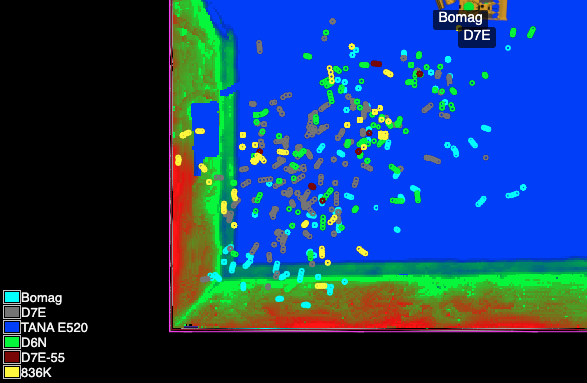
- Alert Report (Map)
- Alert Report: A complete breakdown of each alert occurrence with start and stop times.
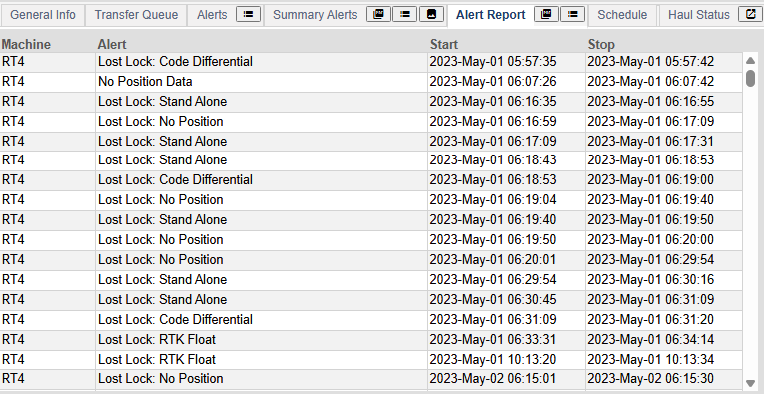
- Alert Report (Complete)
- Summary Alerts: The total duration of each alert per machine.
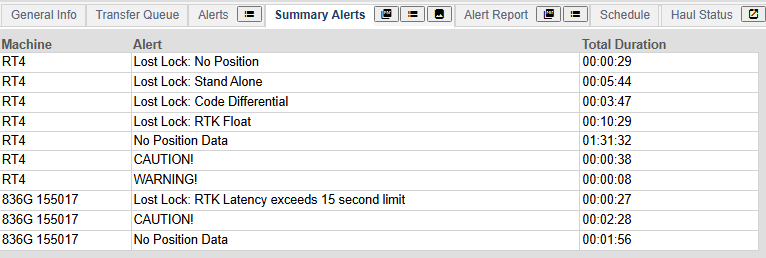
- Alert Report (Summary)
- By Machine: Total duration of each alert for one machine.
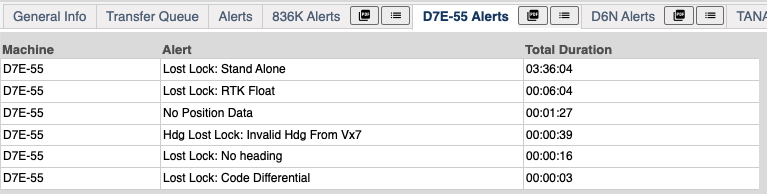
- Alert Report (Machine)