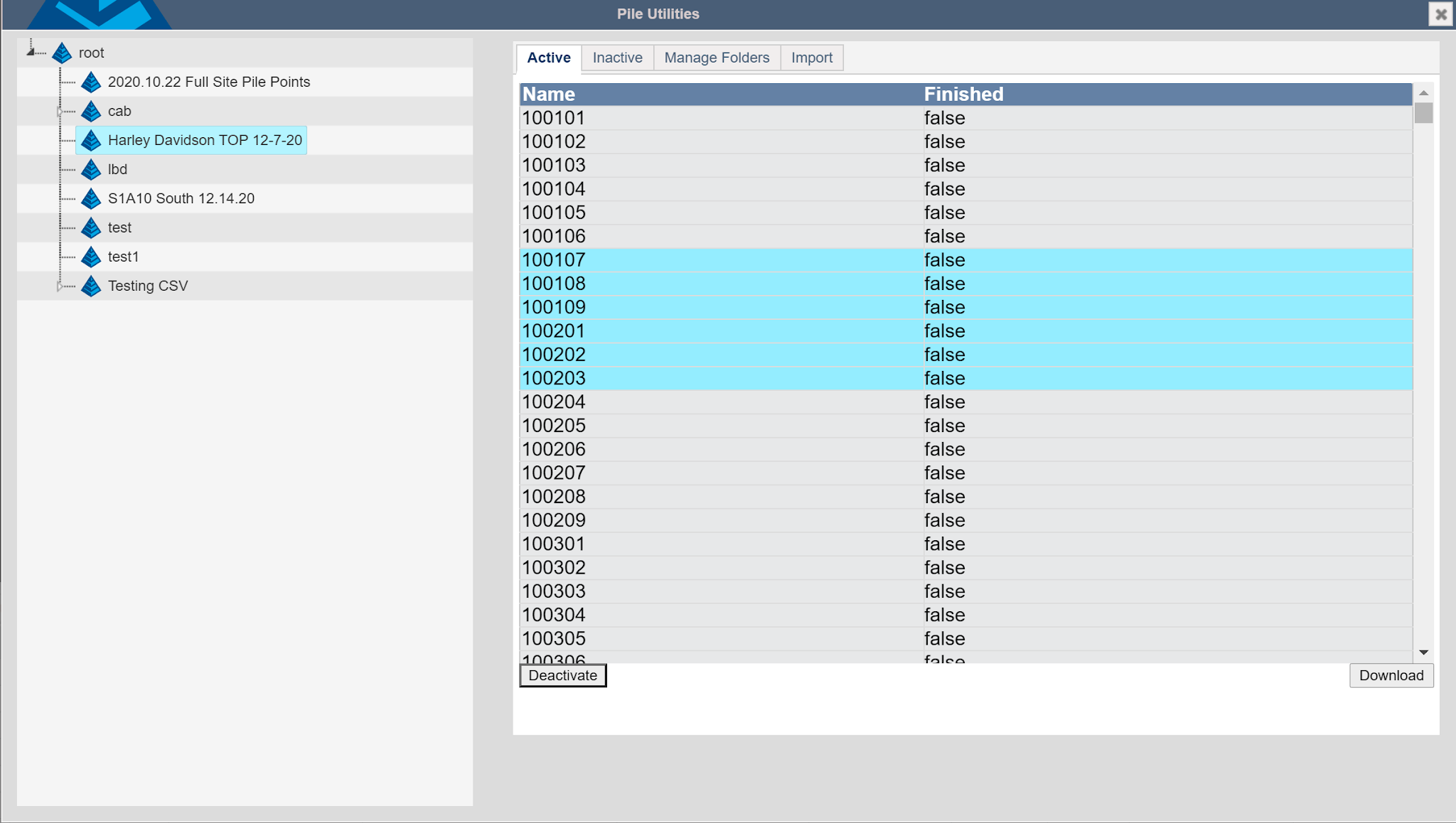
Selecting a folder on the left shows the active or inactive holes in the associated tabs in the right menu. Click holes to highlight/select them and press “Deactivate” to move them into the inactive page. Inactive holes are not available for the DrillGrade machines to drive. The inactive tab contains inactive holes that can be selected and reactivated.