File Transfer
The File Transfer page is used to send files and projects to the machines without leaving the office. The left panel contains a list of available files to send. The right side of the screen contains a list of fleets/rovers to send to.
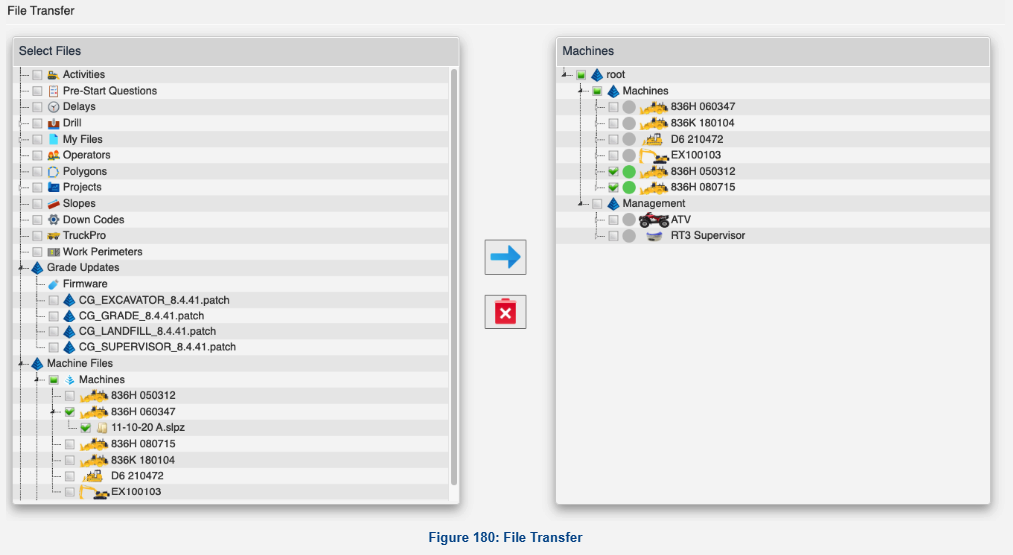
Select files on from the left hand menu, select machines on the right, and then press the send button to transfer the files to the machine.
See the help bubbles on the individual sections for more details.