Polygon Events
Polygon Event Reports are reports triggered by the events created in Command → Design → Polygon Events. There are two reports in this section for special types of events.
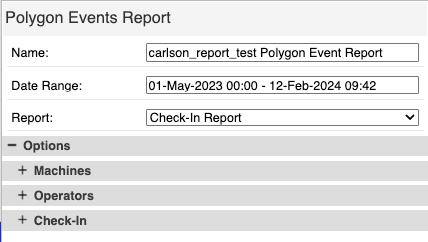
Polygon Report Menu
- Date: Select start and end date/times for the report.
- Report: Select the type of report to run.
- Check-In Report: Outputs all of the "check in" events for the time and options selected. The check-in event is designed for a machine to check their elevation against a known point.More Information
- Check-In
- The options section for the Check-In report has two groups of options.
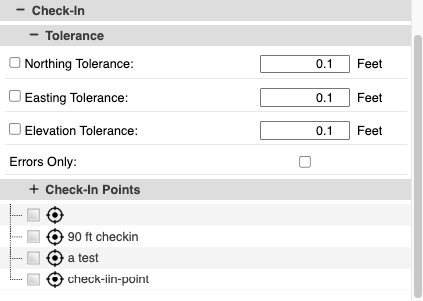
- Polygon Check-In Report
- Tolerance: This affects the display of the points on the map. Points within tolerance of all "checked" values will be green. Points out of tolerance will be red.
- Check-In points: select which check-in locations to report.

- Polygon Check-In Table
- A table of all check-in points will be loaded into a "Check-In" tab in the bottom panel. The table contains the following:
- The Check-in Name.
- Time stamp of the check-in.
- Operator (if applicable).
- Machine Name.
- Coordinate of the control point.
- Coordinate of the actual reading.
- Error for each coordinate parameter.
-
- Question/Answer Report: Outputs all of the questions and answers for the time and options selected. Questions are an event action type that allows the operator to answer a series of questions defined by a Command user. These questions are completely user defined (e.g. safety checks and shift starts and ends).More Information
- Question/Answer Report
- Use this report to pull operator's answers to the Q&A event type. Select to filter the report by Machines or Operators, and then select the Question/Answer list.
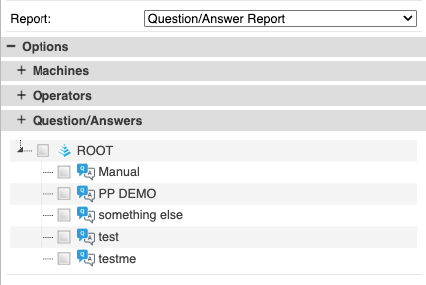
- Polygon Question & Answer Report
- Note: The events are shown individually with all of the answers for that event.
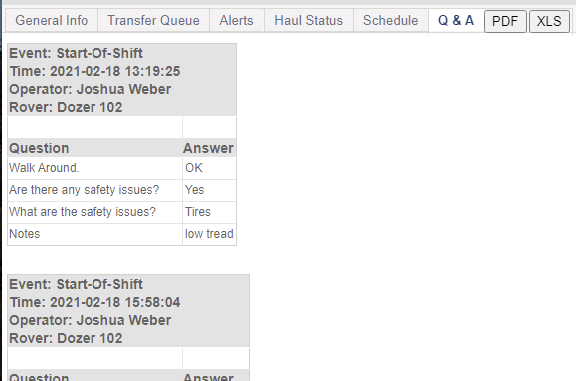
- Polygon Question & Answer Details
- A new Q&A tab will appear in the bottom panel. Press the PDF or XLS buttons to download an offline copy of the events:
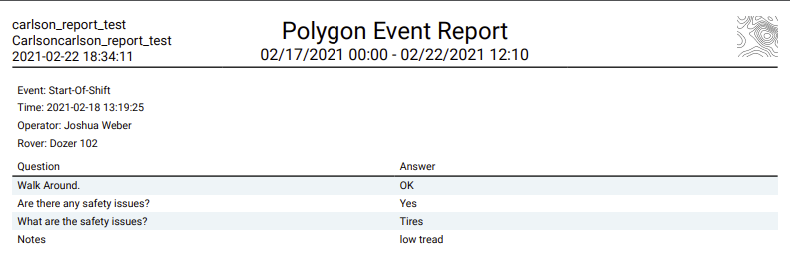
- Polygon Report (PDF)
-
- Name: Input a name for the report. This name will be on the downloaded report outputs.
- Options: Other filters for the report.
- Machines: Select the machines to include in the report.
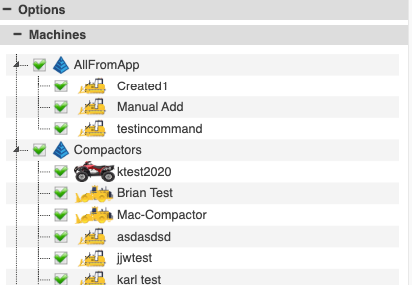
- Machine Report Option
- Operators: Select the operators to include in the report.
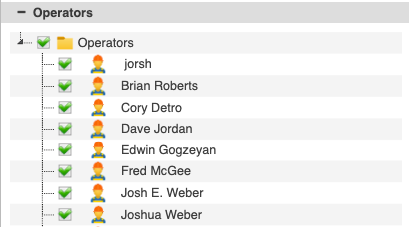
- Operator Report Option